Mailboxes
The reason behind adding this new functionality was to have access to all emails sent out from/to Sales Panel Message of the section ‘Requests/Quotes’, in folders of the user’s email mailbox (Inbox/Outbox).
SETTING UP

In a section Settings, we have added a new panel Mailboxes. Enter this panel and click 
-
Mailbox name
-
E-mail
-
Keep copies of messages on Leon servers - option to store copies of messages on Leon servers. The message in tab ‘Messages’ has to be read (opened) and once it is, Leon uploads it to the servers. This way, the message doesn’t disappear when it is deleted from the inbox
-
SMTP configuration - SMTP host, SMTP port, Username, Password & Protocol.
-
IMAP configuration - same as above.
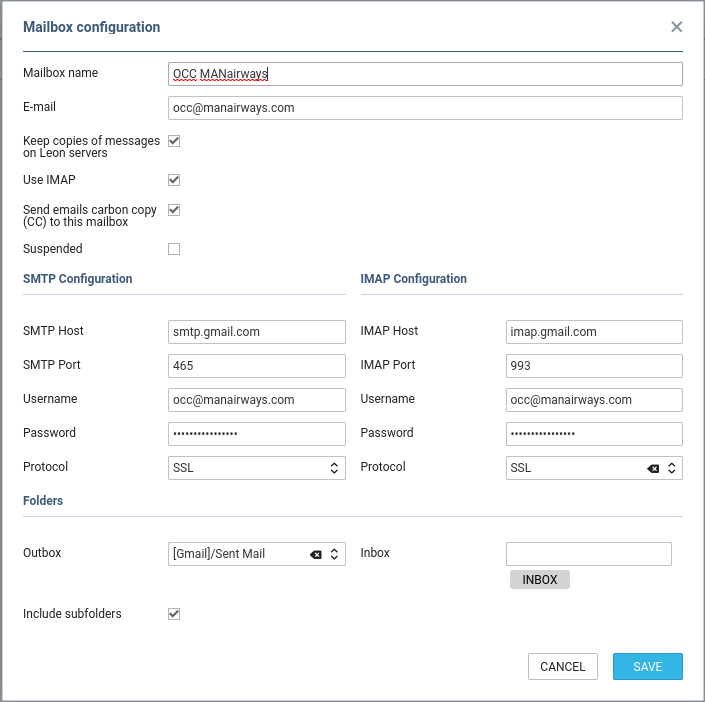
Before saving Mailbox settings, loading folders must be done - click 

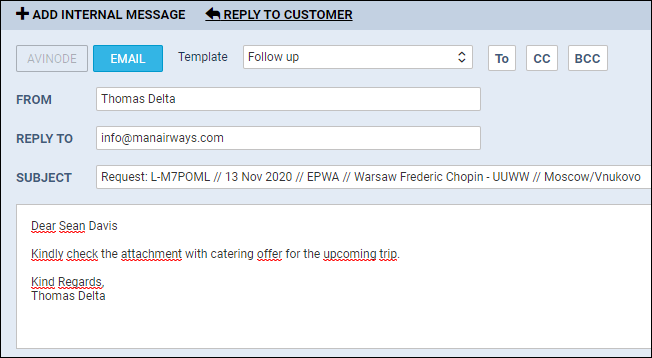
If an email address added to a field Reply to defined in Email Templates > Sales Panel Message is the same as the one defined in Mailboxes panel, emails will also show in pre-defined email mailbox.