

Changes history in Documents Manager
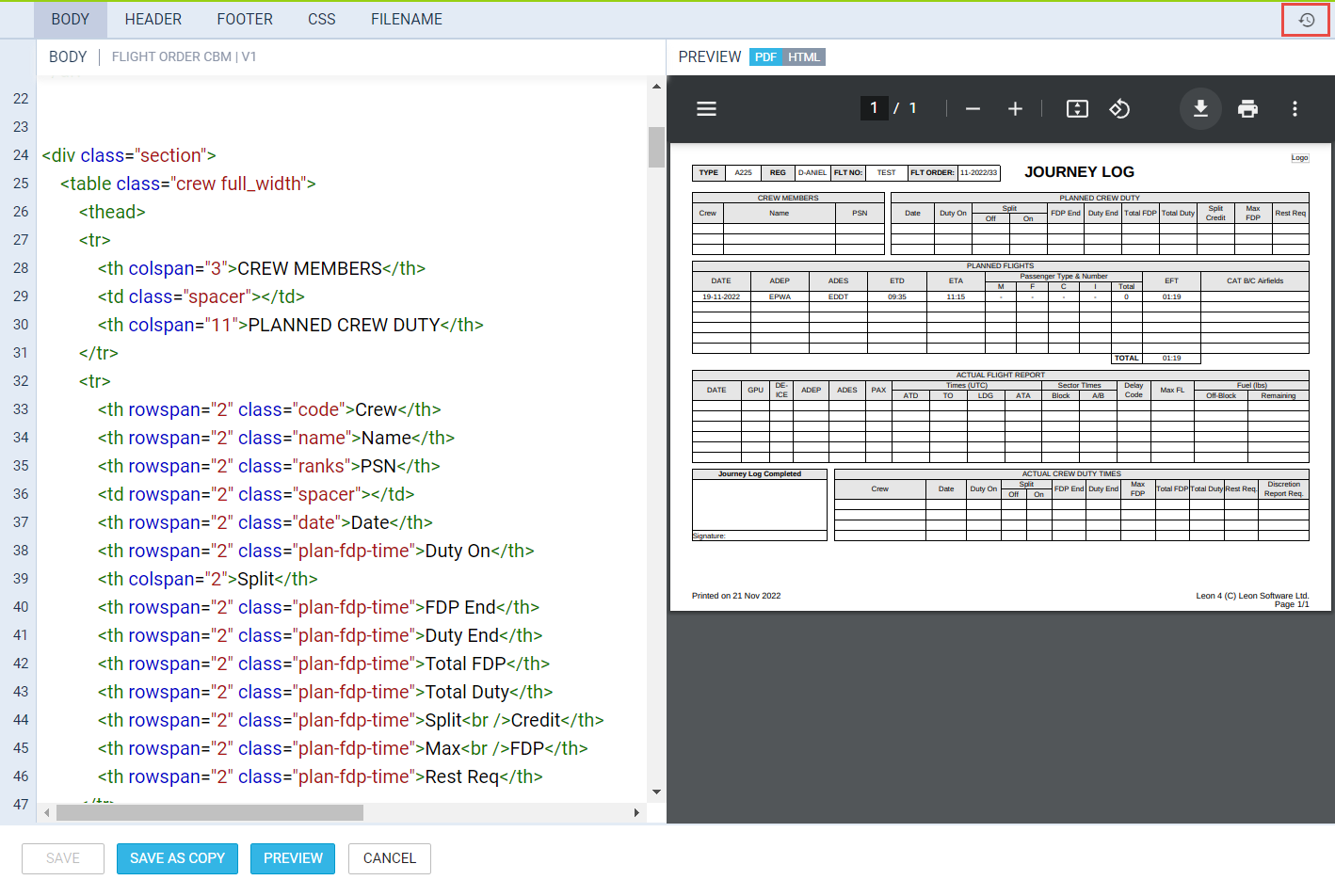
It will be possible to see the history of changes in the document as well as to preview the past versions of the code.
To access the history of changes, simply click on the 
Len will display the changes history information such as time and date (in UTC) and the name of the user who made changes (as per below):
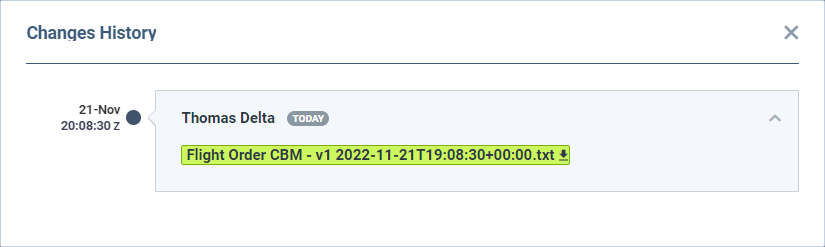
Clicking on the 
This will allow retrieving any past version of the document by pasting the code from the document to the relevant section of the Document Manager.