

Restricted editing of reporting time after the time has passed
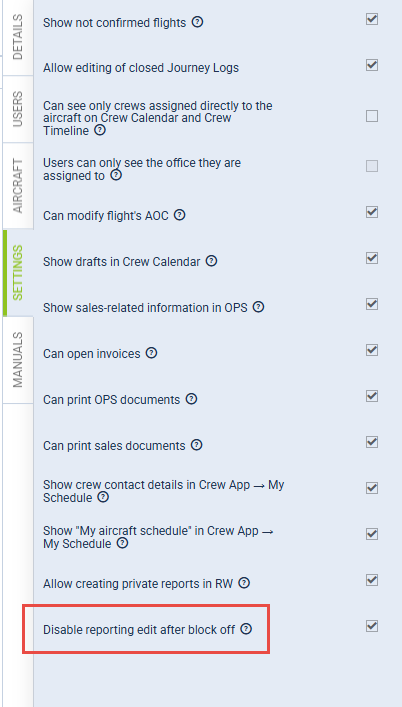
With the new FTL setting reporting_time_switch_to_manual_on_block_off, the system can now automatically switch the reporting ON mode to manual after the block off (BLOFF) time is entered into Flight Watch. This ensures that subsequent changes in the flight plan will not automatically alter the reporting times.
The switch must be enabled for the AOC that applies to the specific crew member on a particular flight. If multiple AOCs are in use, this option needs to be activated for each relevant revision. There is also a privilege setting, found under the SETTINGS tab, that prevents editing of reporting times on past flights. In the Crew App, under My Schedule in the FTL section, the button to edit the report on time should appear greyed out and should not be editable by crew members.
If you want to activate this item on a selected AOC in your account, please contact Customer Support via the Customer Portal.