

Microsoft single sign-on (SSO)
It is possible now to log in to Leon using your Microsoft credentials by configuring the ‘Microsoft single sign-on (SSO)’ feature.
Setting up Leon for enabling SSO
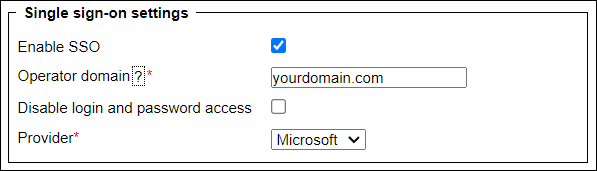
The configuration panel can be accessed in the ‘General Settings’ of the admin panel under the ‘Security’ tab.
It contains the following options:
-
**Enable SSO ** - In order to enable SSO the box must be checked.
-
**Operator domain ** - Enter your company’s Microsoft-registered domain here. Only accounts in that domain will be allowed to sign in to Leon.
-
**Disable login and password access ** - If you check this checkbox, you will only be able to log in using Microsoft SSO credentials, and logging in with Leon’s credentials will not be possible.
-
**Provider ** - Choose Microsoft as a provider.
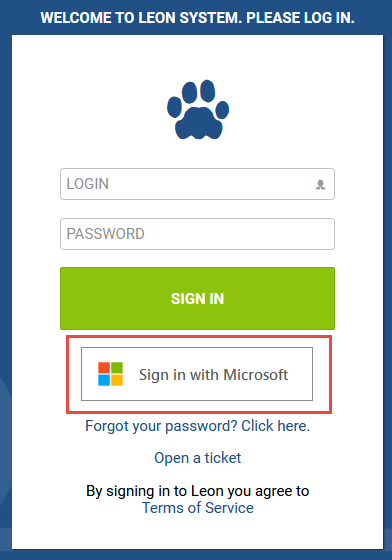
Once it is configured, Users will be able to log in using the Microsoft account instead of Leon-generated login and password, as per the screenshot on the right-hand side.