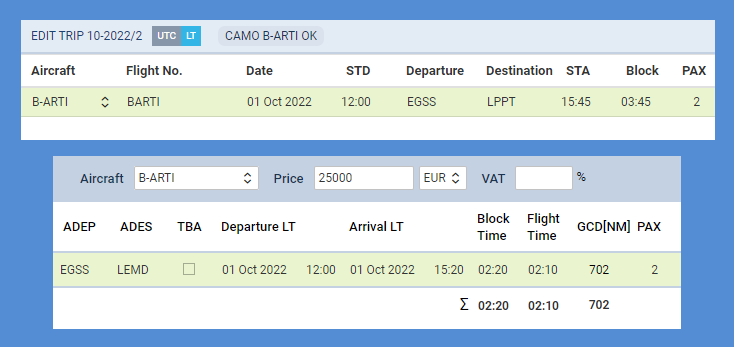
Improvement in updating quote based on the trip change
Table of Contents
We have added a new setting which will improve updating quote when the trip is changed in OPS section and will make working on the quote less time consuming.
In the General Settings > Sales Module panel, there are 4 options available to set up how Leon should react when there was a change made in the trip of the quote.
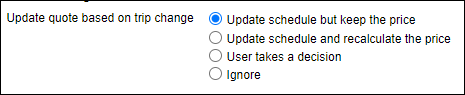
Update schedule but keep the price
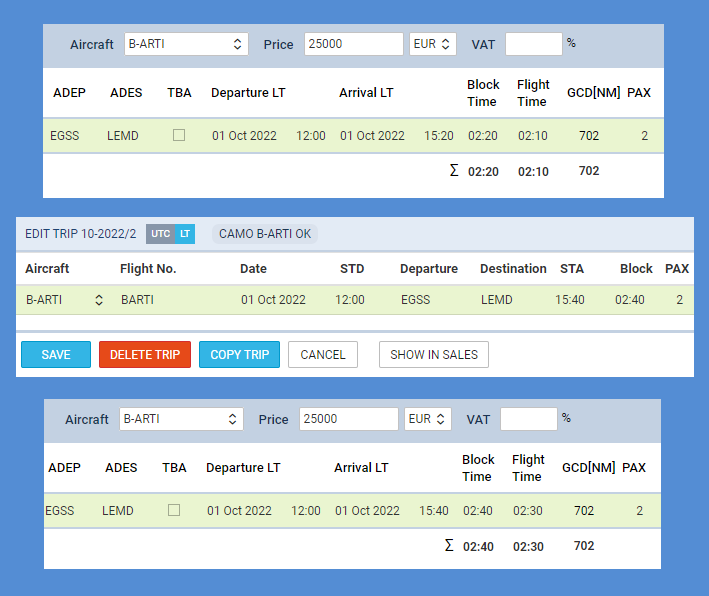
An example below shows the quote with the price of 25000 €, where the STA of the trip was changed - Leon updated the schedule, but has kept the price unchanged.
Update schedule and recalculate the price
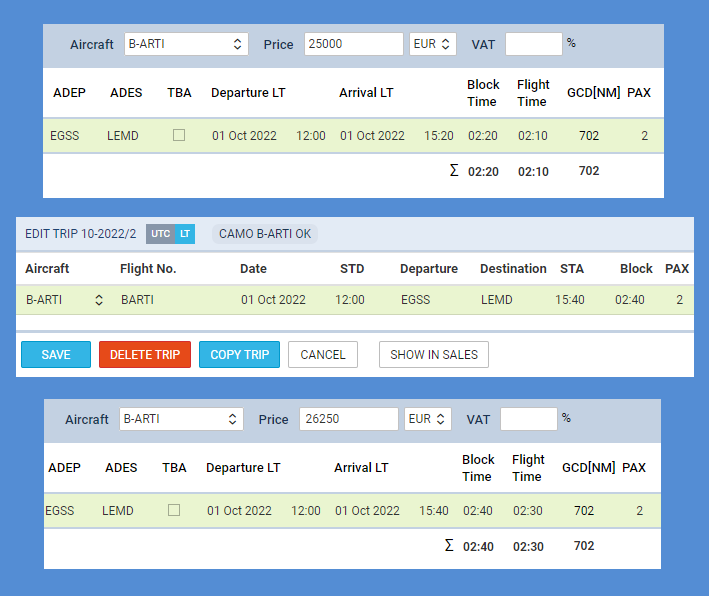
On the below example, after block time change, Leon updated the schedule but also recalculated the price of the quote.
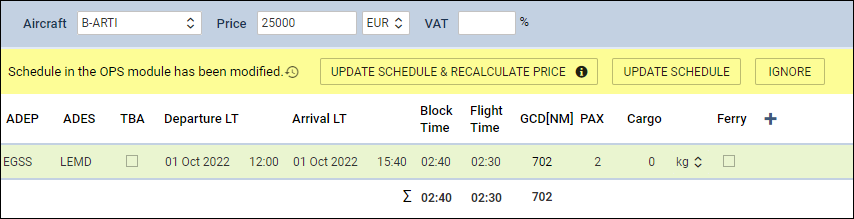
User takes a decision
This option allows the user to decide what action should be manually taken in the quote’s edition, after the change of the trip.
Ignore
After the trip is changed, when editing the quote, no update is done as well as no information shows about the change - Leon ignores trip change and the quote shows as it was before.