

CUSTOM ORDER OF JOURNEY LOG ITEMS
It will be possible to customise the order of the Journey Log items.
Go to the Admin Panel > Journey Log configuration and change the order of the items by dragging and dropping them on the list.
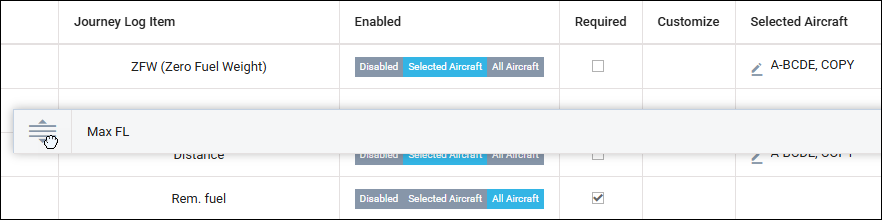
Once the items’ order is set within the Journey Log configuration list, the same order will be reflected in the Journey Log in the OPS and Crew App sections.