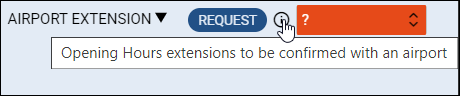
Checklist item description
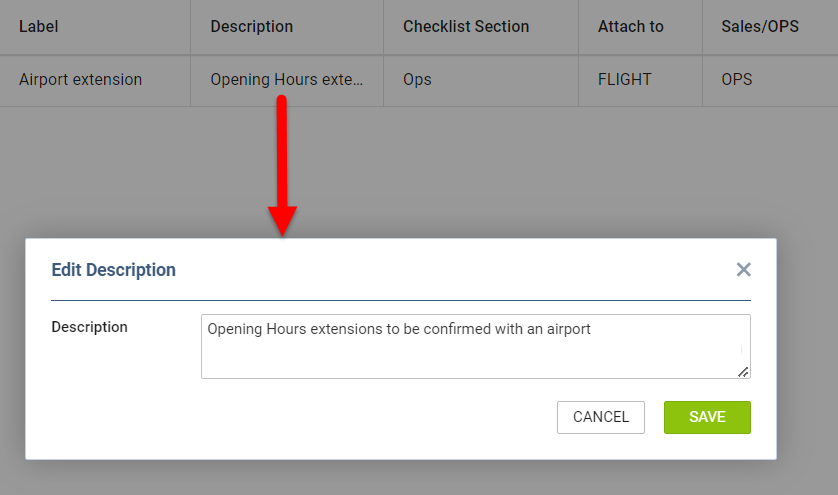
It will be possible to add a Checklist item description that will appear by the item in the Checklist in the
Checklist Configurationsection.
In order to add the description you need to:
-
Click in the ‘Description’ column next to the checklist item
-
Add the description
-
Save changes
Once the description is added, the 
Hovering the mouse over the icon will display the tooltip with the description