FRMSc new features
The FRMSc integration has been improved by new features added.
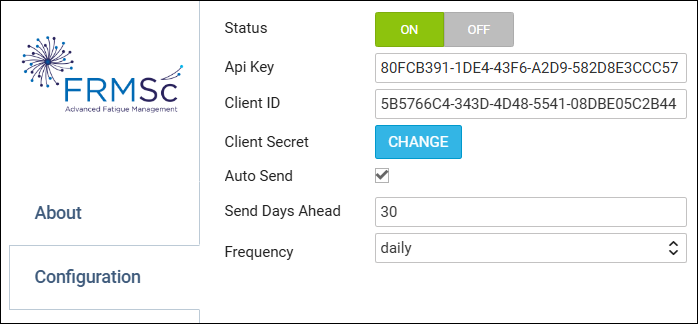
1 - FRMSc configuration new options.
When editing FRMSc configuration section, it is possible to enable Auto-sending data, defining number of Days ahead value and defining Frequency (hourly or daily).
2 - Manual data sending from Crew panels.
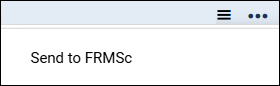
It is possible to manually send data from Crew Calendar & Crew Timeline to FRMSc - click “burger” icon in top-right corner and select ‘Send to FRMSc’
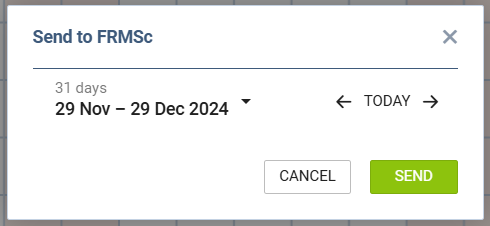
then in a pop-up window select time-range and click SEND.
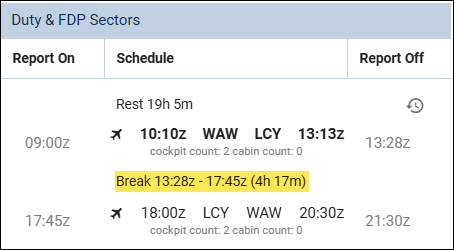
3 - Split duty times will be sent to FRMSc.
Support for split duty in FRMSc integration has been implemented - split duty time will be sent to FRMSc and will affect crew fatigue.