OPS CHECKLIST SECTIONS ORDER
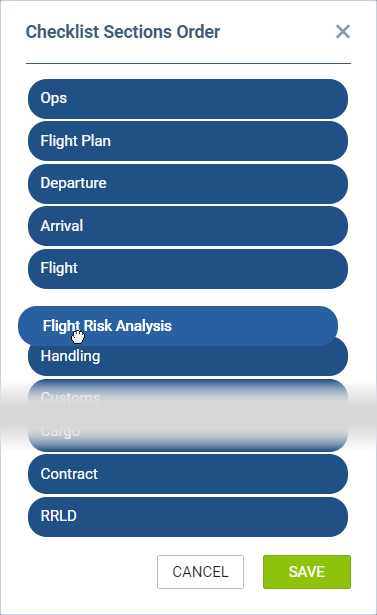
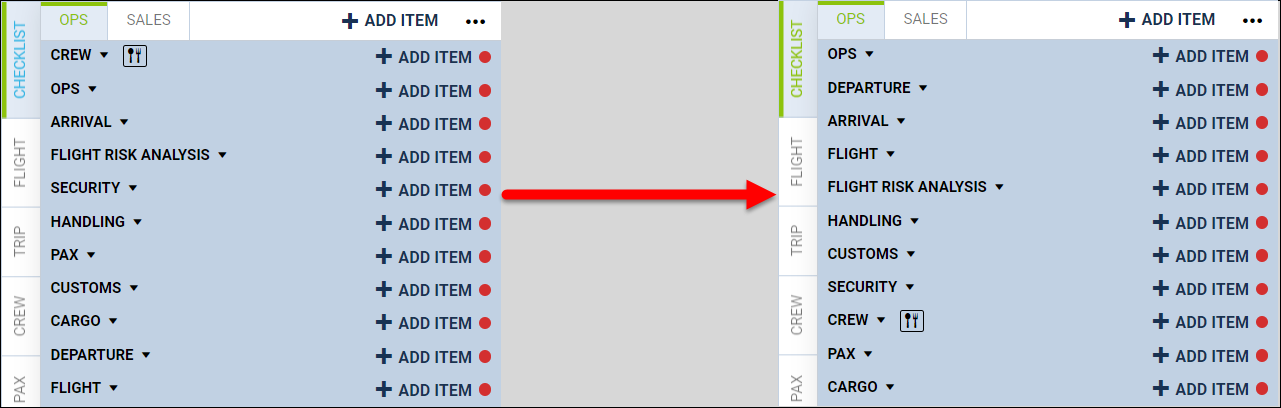
It is possible to change the OPS Checklist sections order from the default to custom.
This can be done using the following steps:
-
Click on the

-
Use drag-drop to select the order of the checklist
-
Save changes
Once the changes are saved, the order of the checklist will switch to the custom selected order, as per the below example: