

Updating Checklist Section
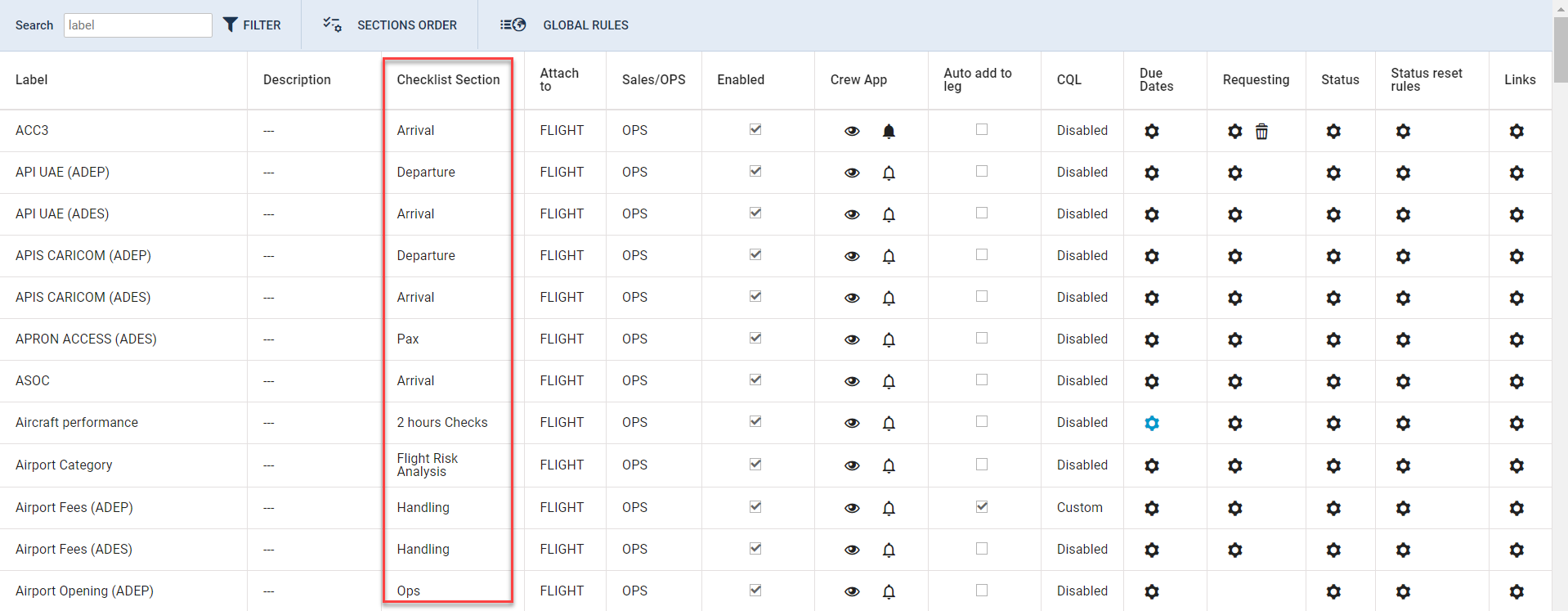
It will be possible to change the subsection of the Checklist to which an item is already assigned.
This option will be available in the ‘Admin Panel’ > Checklist Configuration > Checklist Section column.
To change the item subsection, click on a section defined for a particular Checklist item in the ‘Checklist Section’ column. In the Change Section pop-up window select a new subsection of the checklist and save:
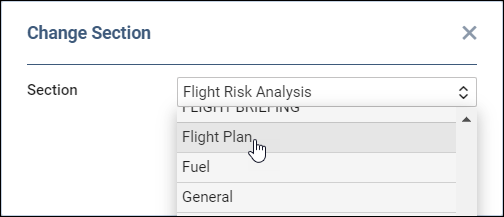
Once saved, the item will be moved to a new subsection of the Checklist.

This change will affect all flights, including the past flights.