Introduction
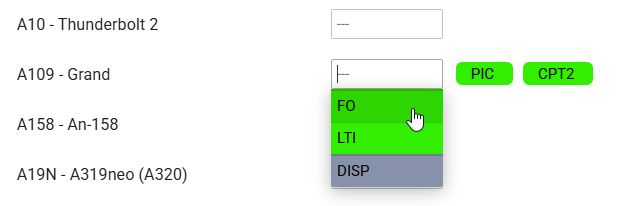
Adding ratings to crew means making them avaiable on the list to choose from when adding a new flight. If you give a rating CPT to a pilot, then when you click on CPT field in Edit Flight screen you will be able to select him for that position.
In Crew Ratings section you can see all crew members with previously added ratings sorted alphabetically. In the filter you can select aircraft type, function type or a person (to see only his ratings).
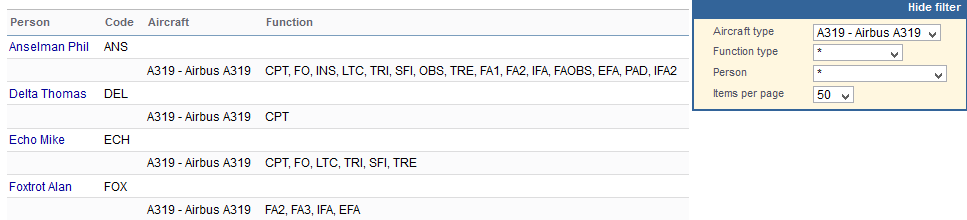
This panel allows you to see all crew with assigned ratings, to filter the page by an aircraft type, function type (cockpit, cabin, ground, maintenance, non-active, UAV) and to filter by selecting a particular crew.
Adding ratings
By clicking on a particular crew, Leon transfers to the adding ratings section.
Click on the aircraft type and Leon will show available ratings (those previously pre-defined in a section Settings > Aircraft Crew Positions).
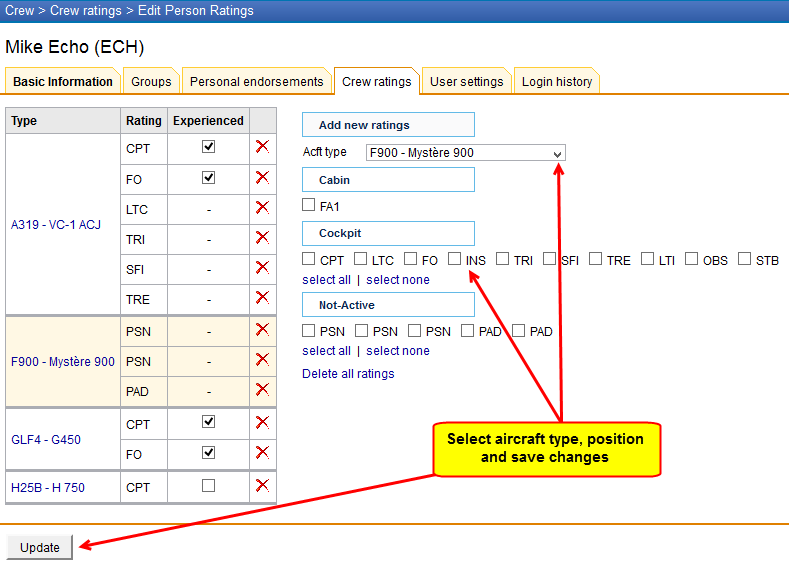
Once ratings have been added, you can specify if a particular crew member is experienced on the assigned position or not by ticking the box Experienced. It is up to the Operator what criteria are applied to mark the crew member as experienced.
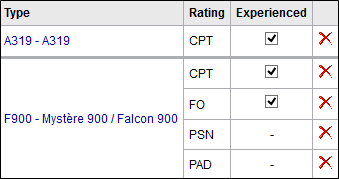
Leon will highlight crew in red in Flights List section if two unexperienced pilots are assigned on the same flight. When clicking on the highlighted crew you will find warning:
Both CPT & FO are not experienced on G450. You can change their experience in Crew > Ratings page.
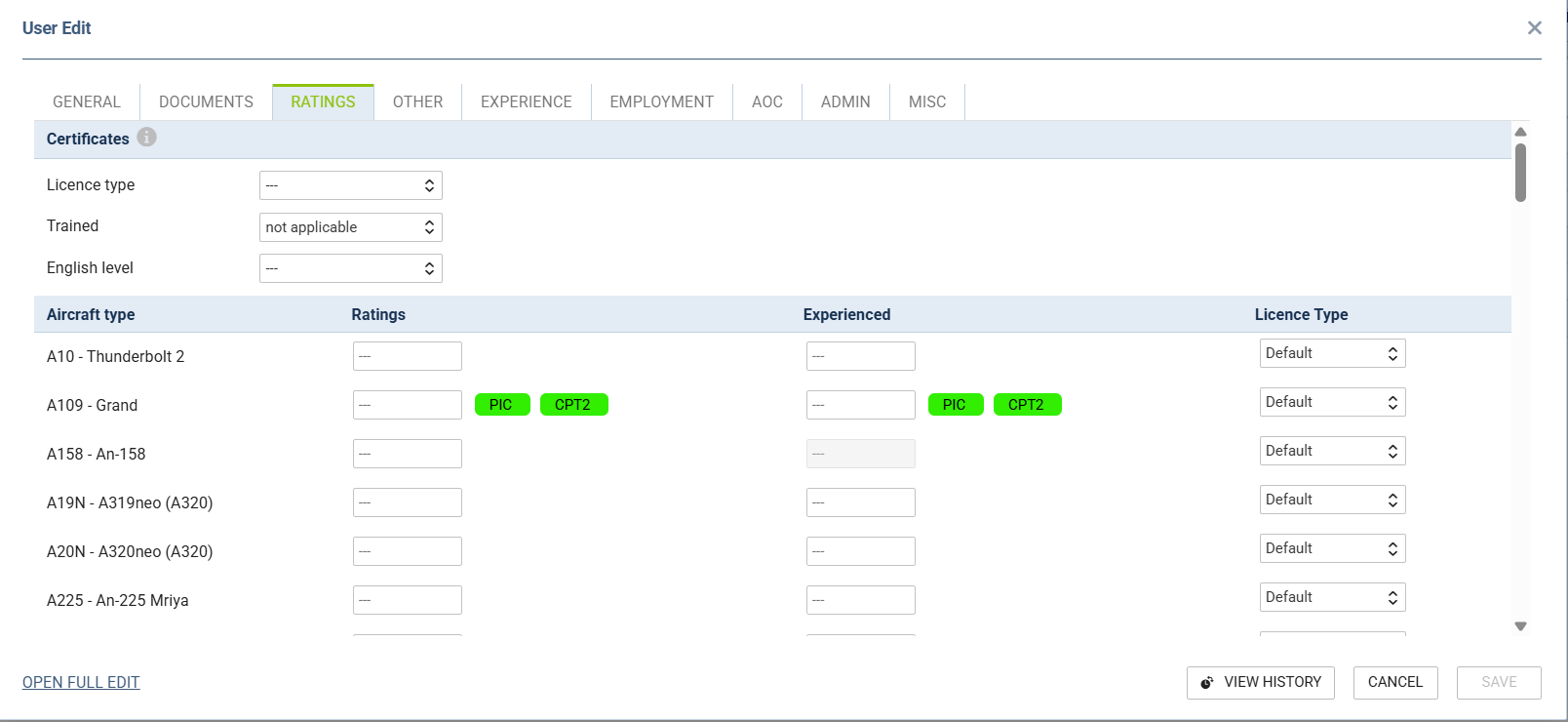
Crew ratings can also be added straight from the crew profile, tab RATINGS by clicking on the “Ratings” field.