

With uvGO you can plan, build and manage trips worldwide. uvGO helps to create and file flight plans for domestic, regional, and intercontinental routes.
It allows one to view routes on weather overlays, and perform advanced functions like runway analysis, weight and balance, ETOPS, FIR avoidance, GPS RAIM prediction and more.
It is available for iPad, iPhone and online. You have access to do-it-yourself trip planning resources, as well as complete mission coordination through your Universal® Trip Support Team.
For more information please visit: https://www.universalweather.com/
How to integrate
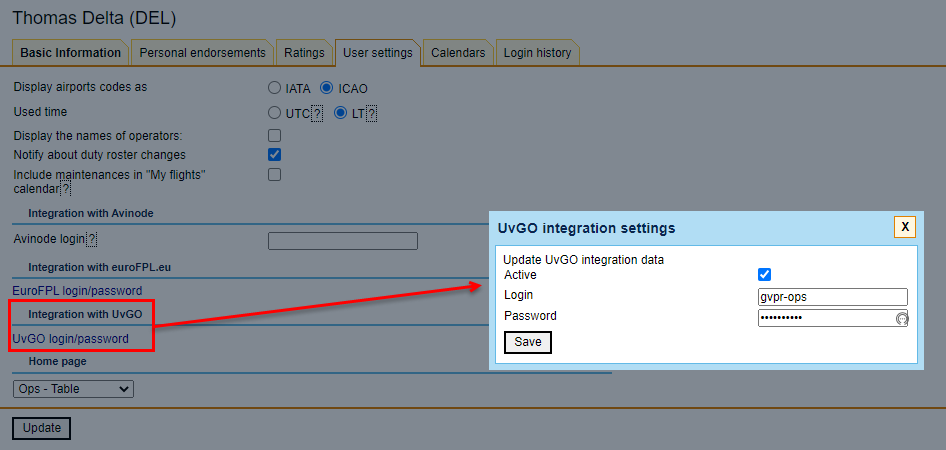
In order to integrate, go to User Profile > ‘User Settings’ tab and insert uvGO credentials in the ‘uvGO Integration Panel’ pop-up window. It appears upon clicking on the UvGO login/password link.
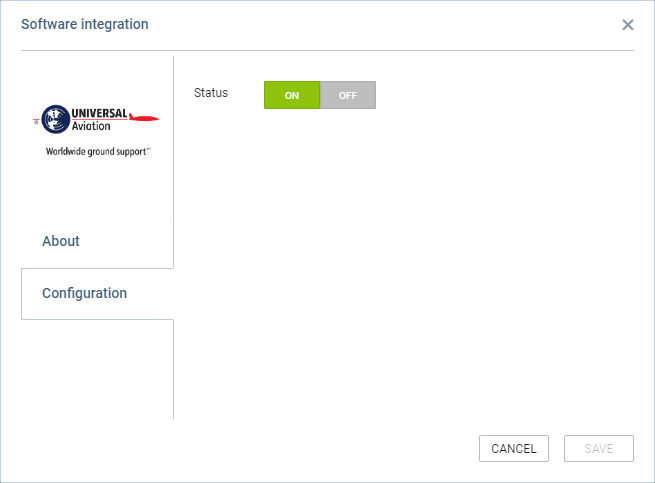
Once the credentials are saved in the User profile, go to Admin Panel > Add-ons > uvGO, and switch to ON in the configuration tab.
How it works
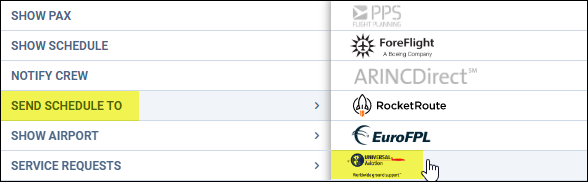
Once the integration is activated, the option to send flights to uvGO will become available in the OPS section, upon right-clicking on the flight > SEND SCHEDULE TO > uvGO:
The following information is included:
-
Flight Number
-
Aircraft registration or “TBA” if registration is not assigned
-
Date of departure
-
STD
-
ADEP
-
Date of arrival
-
STA
-
ADES
-
Trip type