

Leon shows now Personal Integrations that individual users connect themselves with:
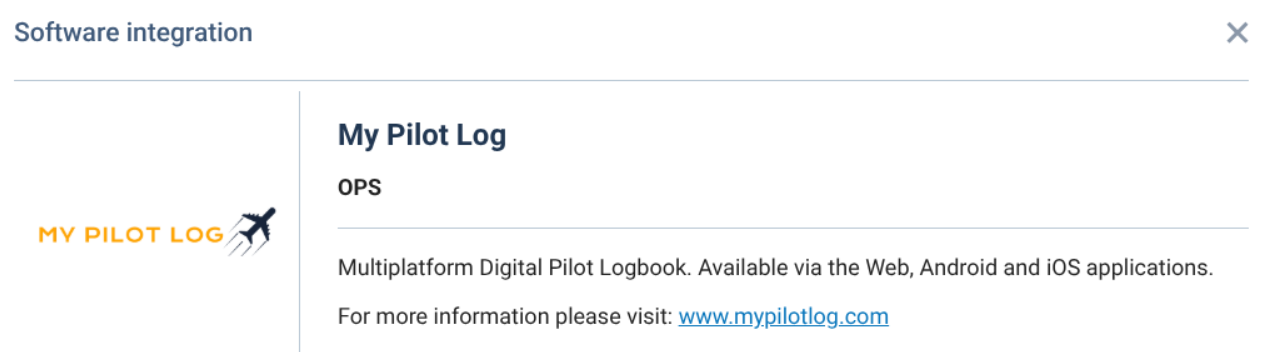
Before this change, the Settings → Add-ons panel only showed integrations with Operator Access. Those are connected once for the whole operator.
There are two of these types:
-
Crew Access integrations, for example My Pilot Log, Capzlog, Avixoo, aviXpense
-
User Access integrations, for example KnightShift and Claude connectors
How it works
Active or inactive
-
A tile shows as Active (green, listed at the top) when at least one of the operator’s users has a valid authorisation for it (an unexpired token).
-
A tile shows as Inactive (grey) when nobody at the operator has connected it.
Who sees which integrations
-
Public integrations always appear, active or inactive.
-
Non-public (private) integrations appear only when at least one user of this operator has connected them. A private integration connected only by another operator’s users never shows up. That way private integrations can’t leak to operators who don’t use them.
The tile is read-only
-
Clicking Show opens a window with two tabs:
-
About: the existing description tab.
-
Users: a table with Name, Login and Valid until for each user who has authorised the integration. If nobody has, it says “No users have authorized this integration”.
-
-
There’s no Configuration tab, and no Save or Disconnect button. The only button is Cancel, because each user manages their own connection.
-
Valid until is the expiry date of the user’s newest token. It is not the date the user authorised the integration, because Leon doesn’t store that date.
Who appears in the Users list
-
Only users whose token is still valid. An expired token removes the user from the list, and it doesn’t count towards making the integration Active.
-
Deleted users and users set to “no access” are left out.
-
The list follows the same permissions as the Add-ons panel.
Operator Access integrations are unchanged. They have no Users tab, they have the Save and Disconnect buttons, and they get the Configuration tab once activated.
Why it matters for operators
Admins can now see which apps their crew and staff have connected to Leon on their own, and who connected each one. This is useful for oversight and compliance (the ticket’s category is Compliance). Admins can’t disconnect a personal integration from this panel.