

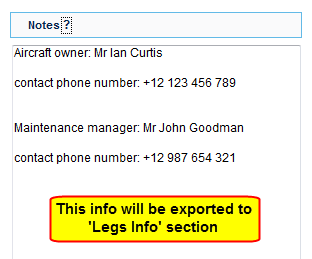
When editing aircraft data in $$OPS$$ > $$Fleet$$ > $$Fleet Edit$$, you will see a new window ‘Notes’ on the right-hand side of the screen.
This is where you can add information or procedures related to a specific aircraft, such as: preffered handling agents or personal contacts.
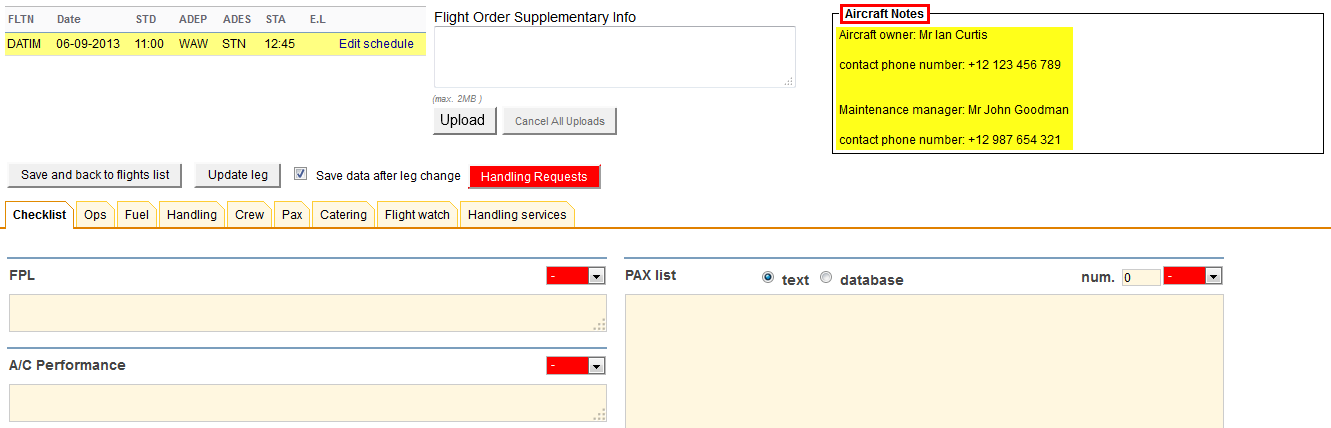
All information inserted into this field will be visible in ‘Legs Info’ section, in the top-right corner (see screenshot on the right).