In the section $$OPS > Fleet Edit$$ you can add notes related to a particular aircraft (i.e. aircraft owner contact details, preffered FBO, etc.) which will appear in ‘Legs Info’ main page (top-right corner).
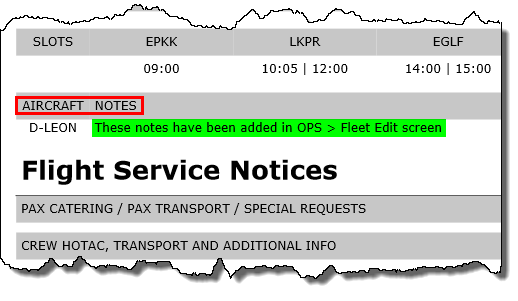
Now it is also possible to add these notes on the ‘Trip Sheet’ document.
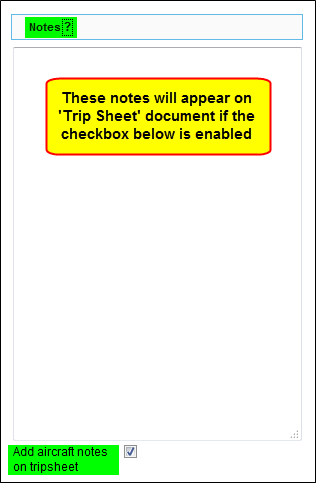
Edit your aircraft in $$OPS > Fleet$$ section, add notes in the column ‘Notes’ and tick the checkbox ‘Add aircraft notes on tripsheet’.
When you view the ‘Trip Sheet’ for a flight of that particular aircraft, notes get displayed in the section ‘ARCRAFT NOTES’.