

Adding positionings from Schedule
Unknown Attachment
You can add Positioning by clicking 
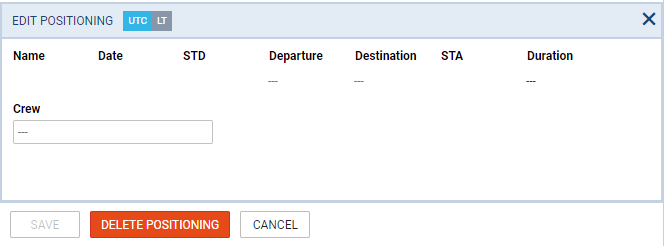
When a new window shows, enter details such as:Name, Date, STD, Departure, Destination and STA. Duration will calculate itself.
Clicking on Crew field allows you to select designated crew member from a drop-down box, or type-in his/her name or a code.
The right-hand filter contains 2 tabs:
-
Checklist - default items are: Crew aware of flight, crew transport & hotel. You can manually add more items by clicking a button ADD ITEM.
-
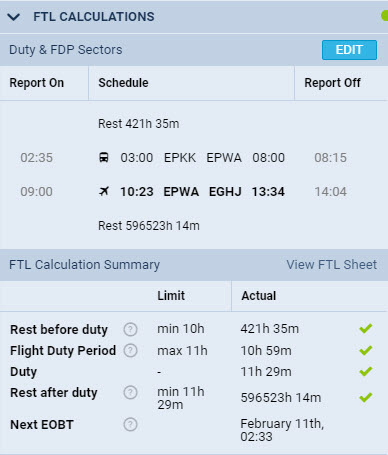
FTL - FTL Calculation Summary showing most important FTL regulations displayed in 2 columns: Limit & Actual.