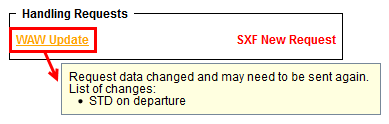
It is possible to choose the elements of the flight that affect Handling Request status
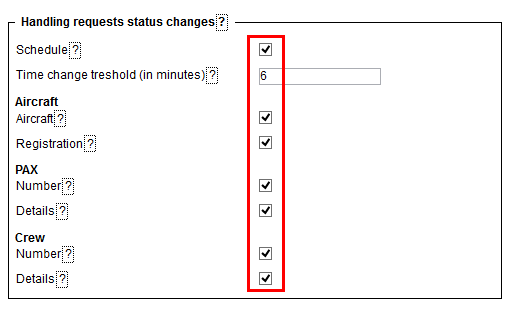
In order to do it you have to go to Admin > Operator settings > Handling Requests tab where you will find HR status changes checklist. The checklist consists of a list of items as shown in the screenshot, which when ticked will affect the status and change it to 
All the elements of the checklist are ticked by default. Schedule checkbox is ticked and cannot be modified.
This checklist applies to New Handling Request status changes only.
Changes to the fligt that affect the status of Handling Request, apart from changing status to