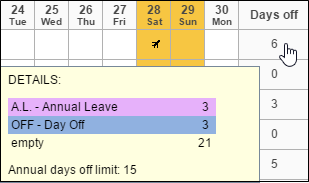
When you add holiday days to your crew in section Crew > Duties you can check the limit by hovering the mouse over the column Days Off.
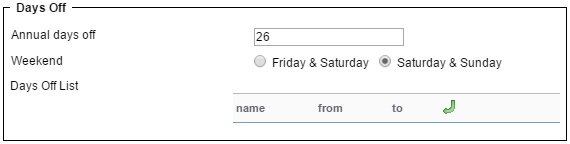
You can set a general limit for the operator in section Admin > Operator Settings, field Annual days off.
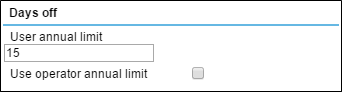
You can also set up holiday days limit per a particular crew member in the user’s profile (if it differs from the operator limit).
In section Crew > Duties hover the mouse over the column ‘Days Off’ and at the bottom you will see the limit displayed.