

NEW SCOPE ‘Quote’
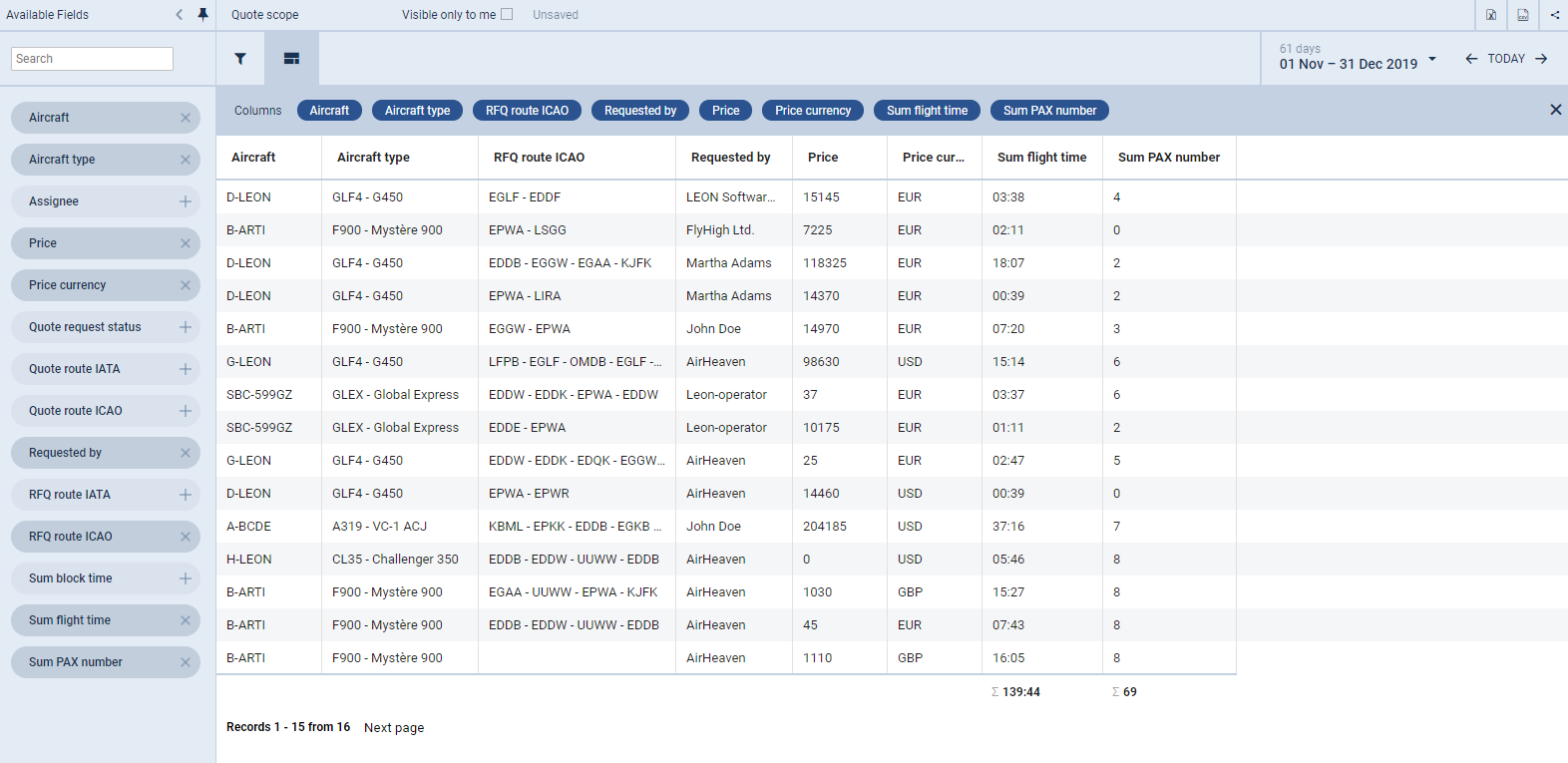
The new scope Quote has been added to make easier generating a report with all relevant details of quotes.
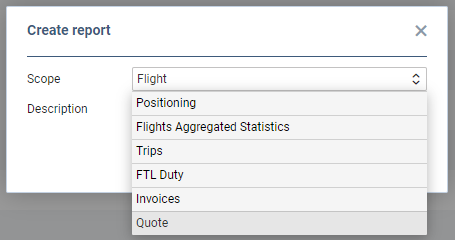
In the main WIZARD REPORT page click 
On the left you can find available items, which you can add to the report, such as: Aircraft, Assignee, Price, Quote route, Sum block time, Sum PAX number and more.
Use the icon 
Use the icon 
In the top-right corner you can select period of time and export the report to Excel or CSV. Once the report is saved, you can edit it and also export it to pdf.