

$$Airport Directory$$ panel has been modified and moved from the section $$OPS$$ - now it appears on the menu-belt as a separate feature.

Click on the Airport Directory icon to get a pop-up window where you can search for a particular airport or airports per a country.
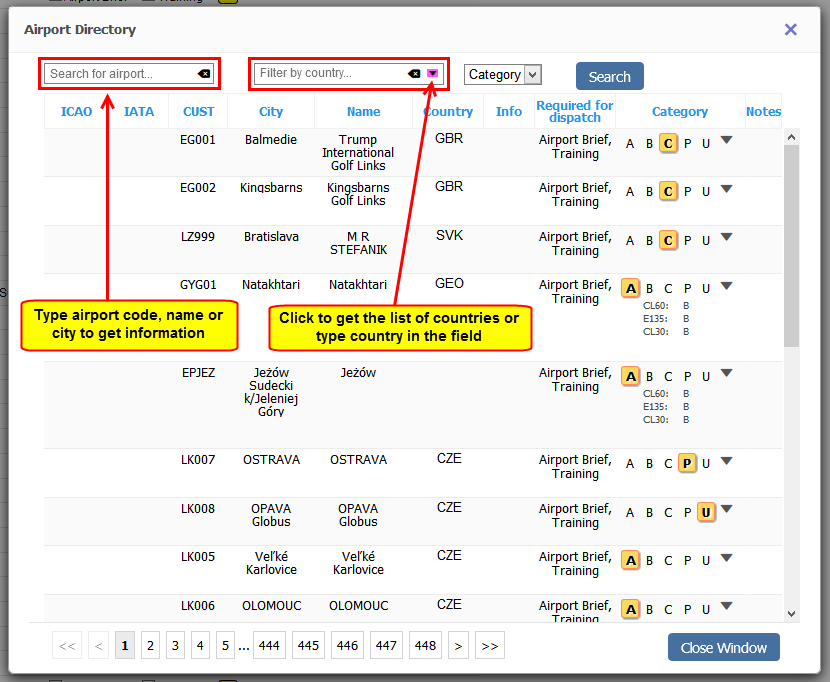
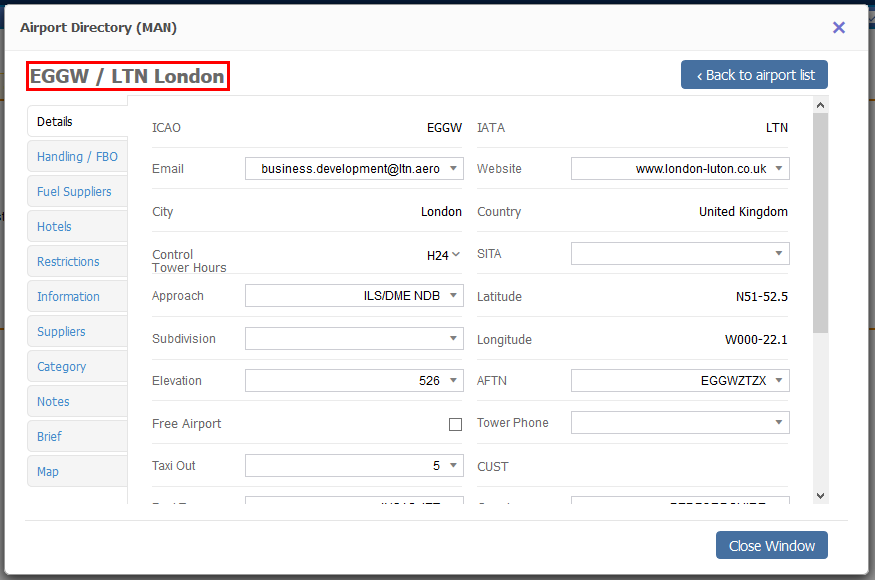
If you type airport ICAO or IATA code in the field ‘Search for airport’ you will see airport details (see below).
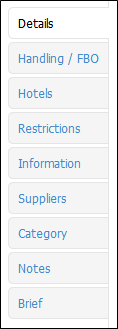
You can still view and edit sections such as: Handling/FBO, Hotels, etc…
You are able to edit and change details in the framed fields like i.e. ‘Website’, ‘Tower Phone’, etc…
If manually added information should remain private, you should click on the paddlock-icon that shows up between a field with the information and the name of the field.

If you hover the mouse over it you will see a message Click to make this field private which means that only you can see added information, nobody else. You can always undo that action by clicking again on the paddlock-icon.