

‘Reply to’ in Movement Messages
There are 2 important changes to this functionality:
-
Location of ‘Reply to’ field - this has been moved from ‘Quotation email templates’ to ‘General settings’ section. The email address entered in this field will populate when you reply to MVT message in your inbox.

-
Send messages about aircraft movements to Clients - if this section is enabled it only has ‘From’ and ‘Bcc’ fields available now.
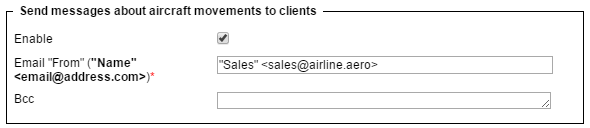
Unticking the checkbox ‘Enable’ will de-activate this section permanently making it impossible to re-activate it.