

API Keys
API Keys panel allows accessing Leon API from the interface in order to obtain a feed of different kinds of data from Leon for the purpose of outside integrations.
The functionality generates a Refresh Token, which is a special kind of token that can be used to obtain a renewed access token which allows programmatically accessing a protected resource. Access tokens are attached to API request. More information can be found in the documentation (https://bitbucket.org/leondevteam/api-documentation/src/master/).
The token can be generated only by admins in Settings -> API keys page.
How to generate a token
-
Click the

-
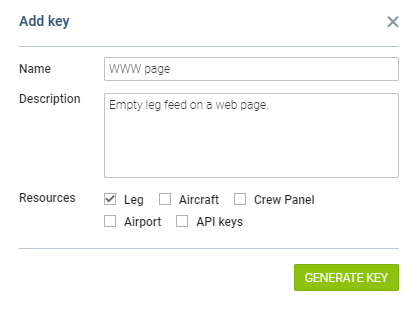
Enter the name and the description of the integration
-
Select resources which can be accessed by using the token
-
Click the

-
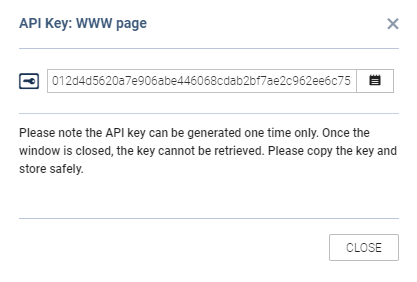
Copy generated key and store it safely
Please remember that once the token is generated it MUST be stored safely as it cannot be retrieved after the pop-up window is closed.