

Documents additional pdf
If you need to add an additional pdf to your documents (OPS or Sales) or Handling Requests pdf file - we have added a new, very simple solution.
Go to Documents Manager panel, edit a document to which you want to add an extra pdf and follow these steps:
-
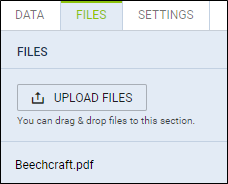
In the right filter (tab FILES) upload pdf which should be attached to the edited document.
-
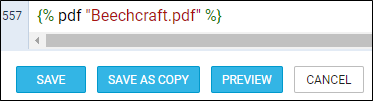
In a tab ‘BODY’, scroll to the very bottom of HTML code and insert the code: {% pdf “filename.pdf” %}
EXAMPLE
Below you can find ‘Beechcraft’ pdf with the aircraft picture uploaded in Documents Manager right filter.
In a tab ‘BODY’ a proper code has been added.
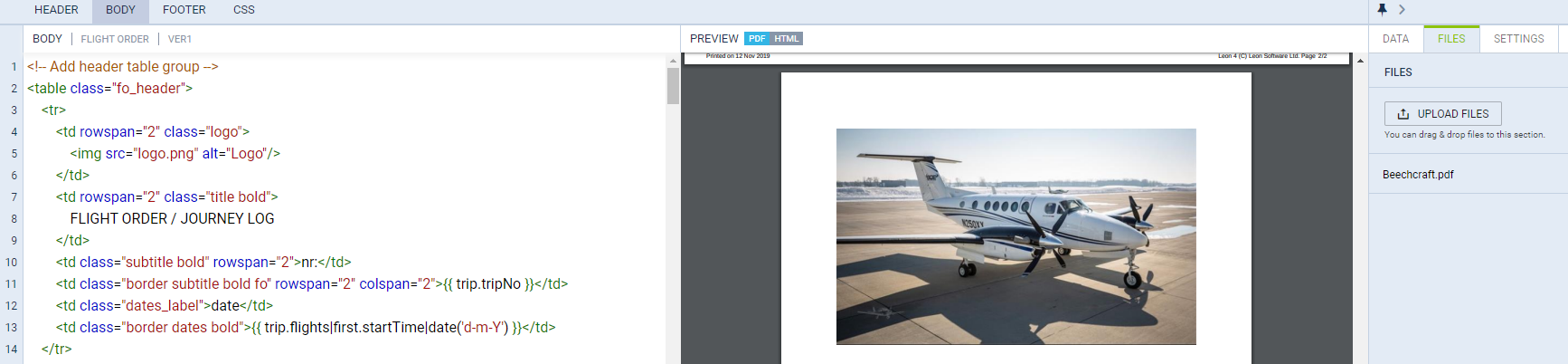
An aircraft picture from uploaded pdf appears in the document (screenshot on the right).