

Services in a section Schedule
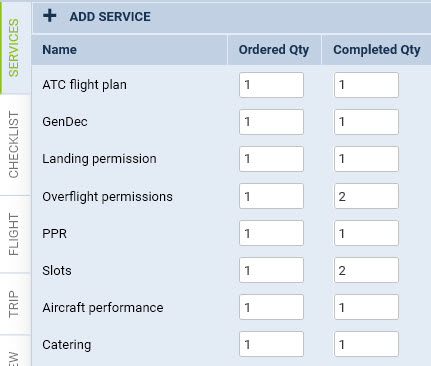
We have made possible creating dispatched flights and adding services to them.
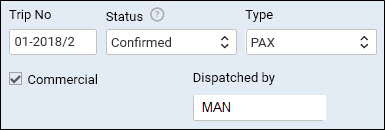
When adding a new trip open the right-hand filter and in a tab TRIP select your operator in a drop-down box named ‘Dispatched by’ - this will make all previously defined services (in a section Flight Support Services appear in the checklist. If you select None Leon will show checklist items defined in a section Settings > Flight Editing.
Once the trip is saved, an additional tab will appear in the right-hand filter: SERVICES. It shows all pre-defined services as well as 2 columns:
-
Ordered Qty - defined quantity from a section ‘Flight Support Services List’, which can be changed manually, if necessary.
-
Completed Qty - where you insert number of supplied services for a particular flight.
All completed services appear in a document ‘Billing Sheet’ along with their prices and permits (as long as prices have been attached to services and permits have been set up in Flight Support Permits section).