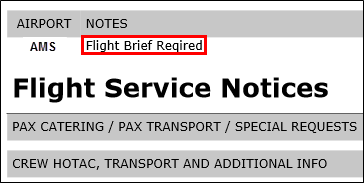
Every time you add the ‘Airport brief’ in the section $$OPS > Airport Directory$$ (simply tick the checkbox in the airport edition screen like in the screenshot below)

in the main ‘Flights List’ screen Leon surrounds the airport with just added airport brief with the red hash and crew codes are on the pink background.

Right now, if there is an airport brief added to either ADEP or ADES, once the flight is added to Leon, an extra information will appear on the ’Trip Sheet document, in the column AIRPORT NOTES.