

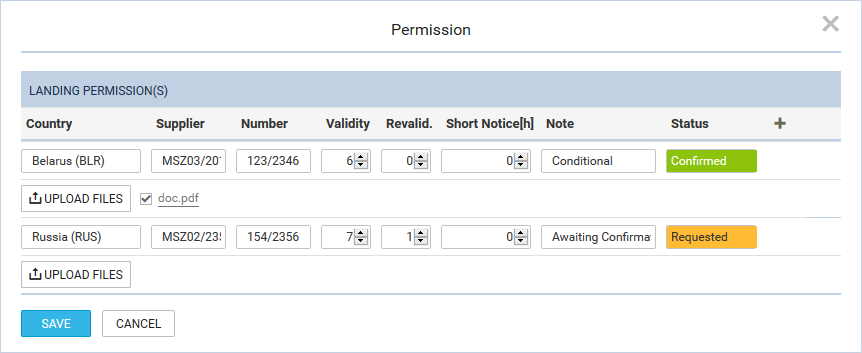
To add a Permission you simply click on “Edit” button. A new pop-up window will open where you can add permission(s) details, such as: Country, Supplier, Validity, Revalidation, Short Notice, Status as well as option to add Notes.
Clicking on “+” allows you to add another Permission. It is possible to add as many as you need.
You can also add Notes and optionally upload a file. Information added in the notes section will show in the Trip Sheet.
Once the Permission is added you can hover the mouse over “Edit” button or 