

Password change in User Profile
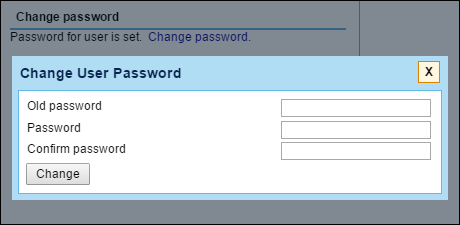
We have amended the way you change your password in Leon.
When you receive a new password (if you are a new User) or wish to change an old password, simply click on the ‘Change password’ link. Leon will open a pop-up window where new password can be selected. Once you saved the new password by clicking on ‘Change’ button, Leon will send a confirmation email to your work email address.