

Changing reporting times to all crew
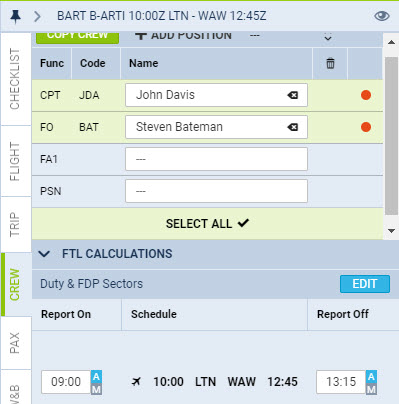
To change reporting times (Report On/Report Off) to all crew from default values to the manual value, go to the right-hand filter, tab CREW and click a link SELECT ALL. Here open a section FTL CALCULATIONS and click a button 
Once new reporting times have applied, if you add a new crew member to the trip, he will have those new reporting times assigned.
Using an option of manual split/merge defining by clicking the icon 
Leon will not allow to add new reporting times to all crew if default reporting times had already been changed manually to a single crew member, or, if within the same trip number of sectors crew have been assigned to differs