

New features in Requests/Quotes section
Table of Contents
We have introduced the following features to the ‘Requests/Quotes’ section:
-
Reorganising the ‘Notes’ section
-
Note from Avinode in ‘Comments’ section
-
Reseting items on the ‘Invoice’
Reorganising the ‘Notes’ section
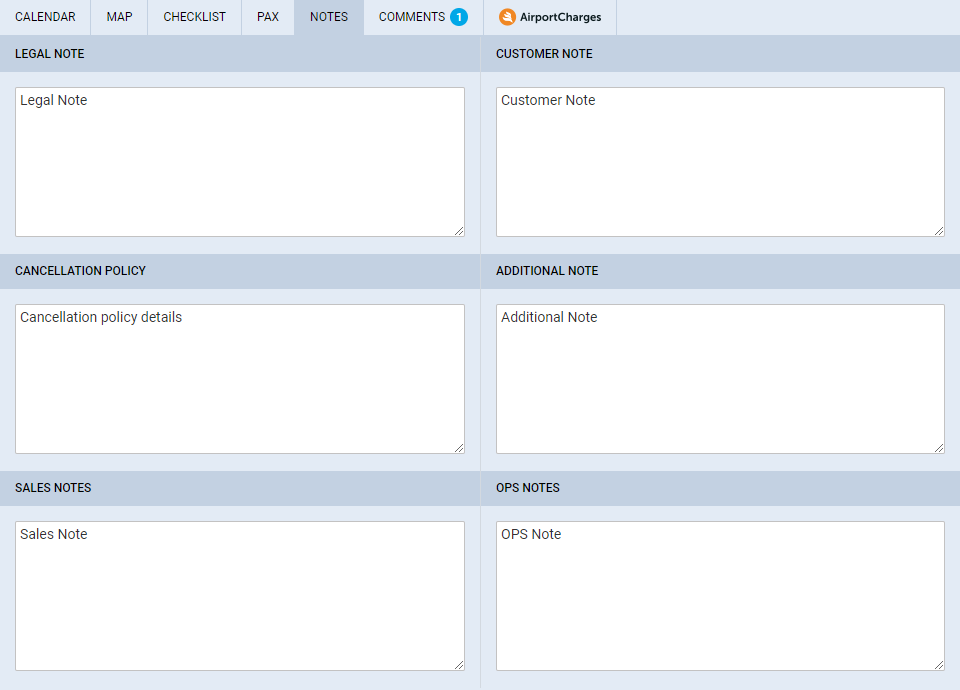
In this section, you can add notes for trips on the regular aircraft as well as the subcharter.
Notes added in this section can be then embedded in Sales documents as all of them have the items available in the ‘Available data’ of the ‘Documents manager’ panel.
Once the notes are added, click SAVE button in order to save the changes.
The OPS and Sales notes will be available and can be edited both in Requests/Quotes as well as OPS > FLIGHT tab of the responding Flights.
OPS and Sales Notes are not available in 2 instances:
-
Subcharter flights
-
Trip that is not booked
Note from Avinode in ‘Comments’ section
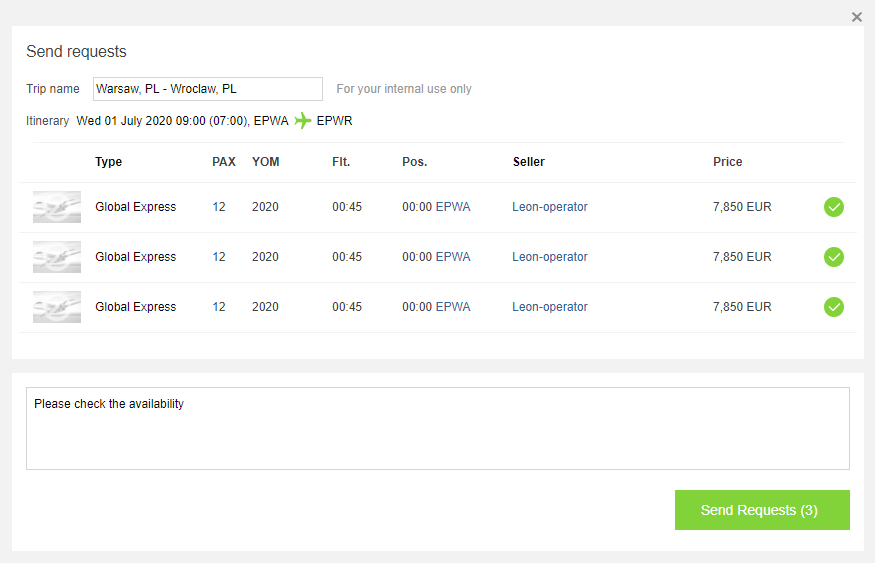
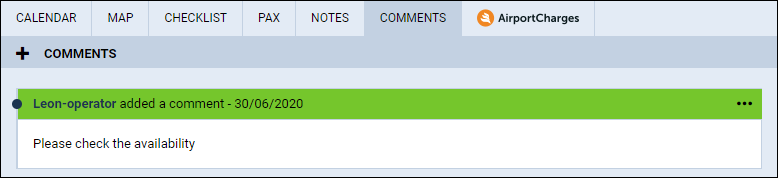
Notes inserted in ‘Send request’ window in Avinode will now show in ‘Comments’ section of the request in Leon.
Comment from Avinode displayed in this section will be highlighted green .
Reseting items on the ‘Invoice’
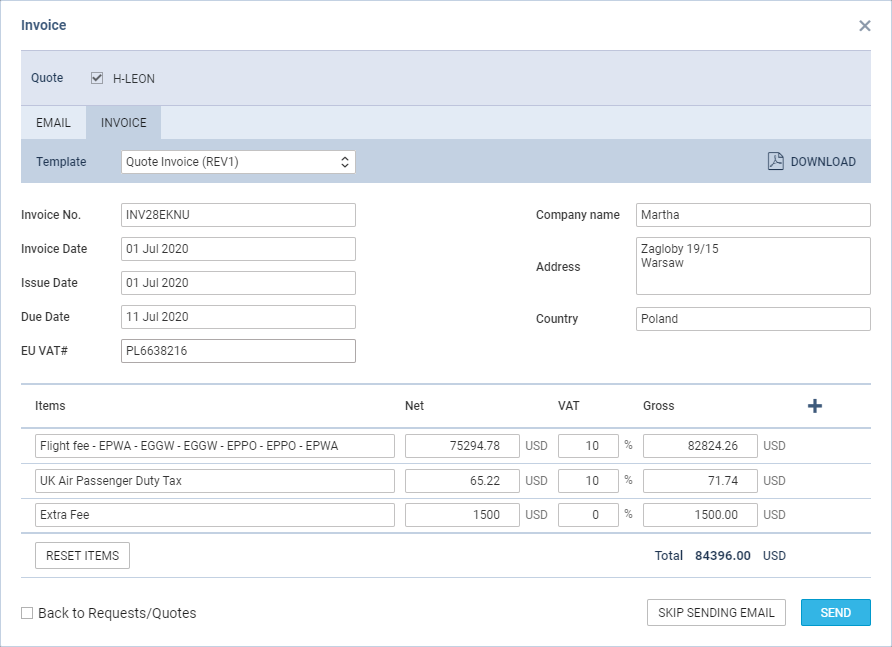

It is very useful when after sending the invoice to the Client, the amount of the quotation changes, be it due to change in the number of items or the calculated price of the items.
In such a scenario, it is sufficient to go to the ‘INVOICE’ tab in the ‘INVOICE’ section, press
IMPORTANT!!! Any extra items added to the Invoice will be removed after the reset.