

Duties Setup changes

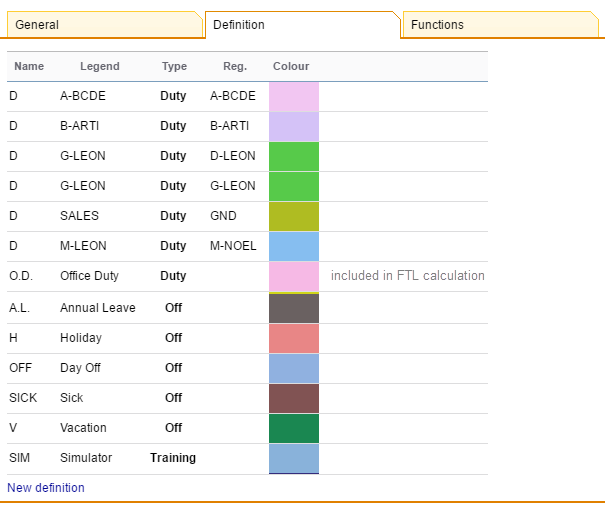
Section Duties Setup (tab Definition) has been re-arranged.
The biggest change is the defining of the new duty. Right now if you click on the link New definition (at the bottom of the screen) a pop-up window looks a bit different. A drop-down box Type has now only 3 types of duties you can choose from:
-
Duty - for flight, office or STB duties.
-
Off - for all duties such as: Off, holiday, sick, etc…
-
Training - for training or SIM duties.
A section Default times can be used if you want some particular duties to be automatically assigned with the defined times (i.e. office duty).
If a particular duty is on the aircraft then you should select a tail from a drop-down box of Aircraft.
If you mark a checkbox Include in planning then the crew that the duty is assigned to will be automatically added to a flight on the day on this particular aircraft (if you add a new flight i.e. from New Flight or Schedule sections).
A field Legend is to add a full duty name. You can also select a colour from the palet for a particular duty.
Changing or deleting the duty definition WILL NOT change or delete already added duties in the roster