

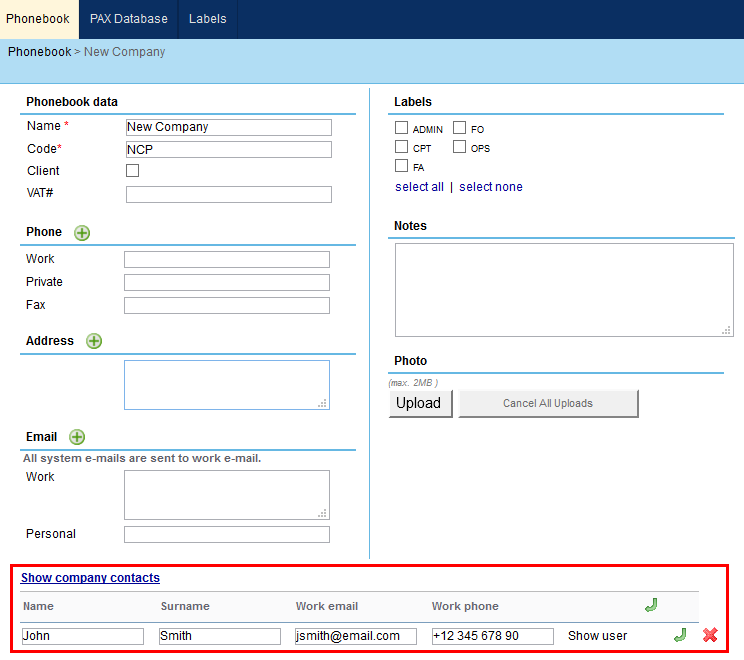
It is possible now to add Company contacts at the stage of creating New Company.
In order to do it you have to click on “Show company contacts” at the bottom of the page and press 
Once you have added all the details for both Company and Contacts, just click on “Update” button to save the data in the Phonebook.