

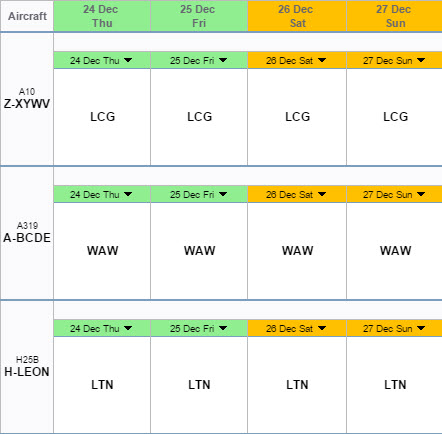
It is possible to have all non-working days highlighted in Leon duty sections and Planned Flights.
Go to Admin > Operator Settings > General and define it in Days Off.
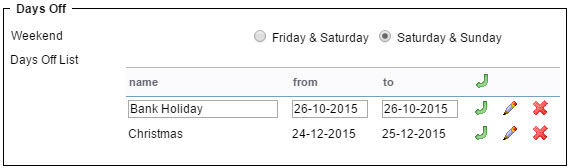
Input a name (i.e. Bank Holiday) and a from-to period. By clicking an icon 
Crew Duties
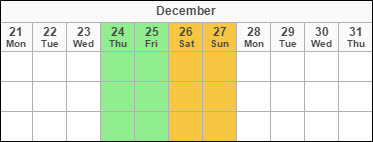
Crew Activities
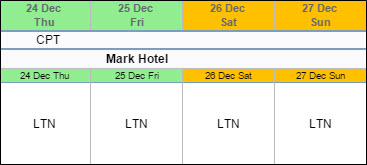
When you hover the mouse over the green field, the tooltip will open with the information what kind of day of it is.