

Night Take off and Landing
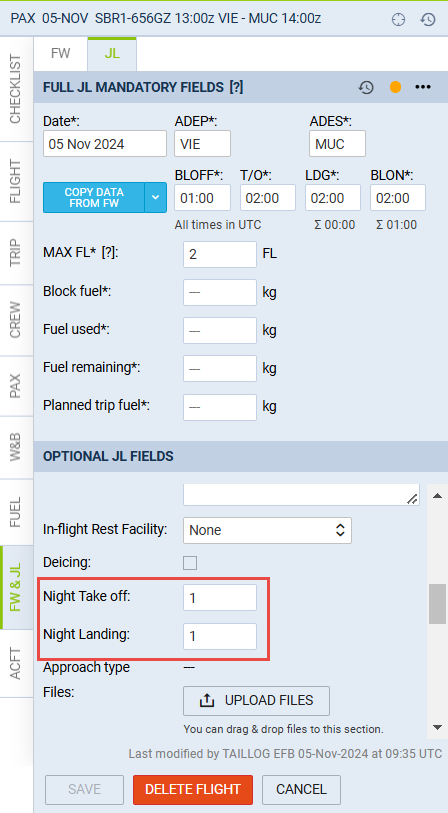
It is now possible to mark in the Journey Log if Night Take off or Night Landing took place.
The first step is to activate this option. You can do it in Settings > Journey Log by enabling Night Landing, Night Take off and Night Time items.
Once you have done that, Night Take off, Night Landing and Night Time options will show in the ‘Optional JL Fields’ section of the Journey Log. Night Time item has a drop-down list with the following calculation options:
-
Flight time - calculation based on flight time
-
Block time - calculation based on block time
-
Manually - calculation based on manual time insert
Together with the ‘Landings’ and ‘Pilot flying’ elements of the JL, these options will calculate the pilot’s currency for the number of Night take-offs/Landings in a given period.