
wiki

Report Wizard New Sharing Tool Via Url Has Been Added To The Report Wizard

Sharing reports via URL in Report Wizard
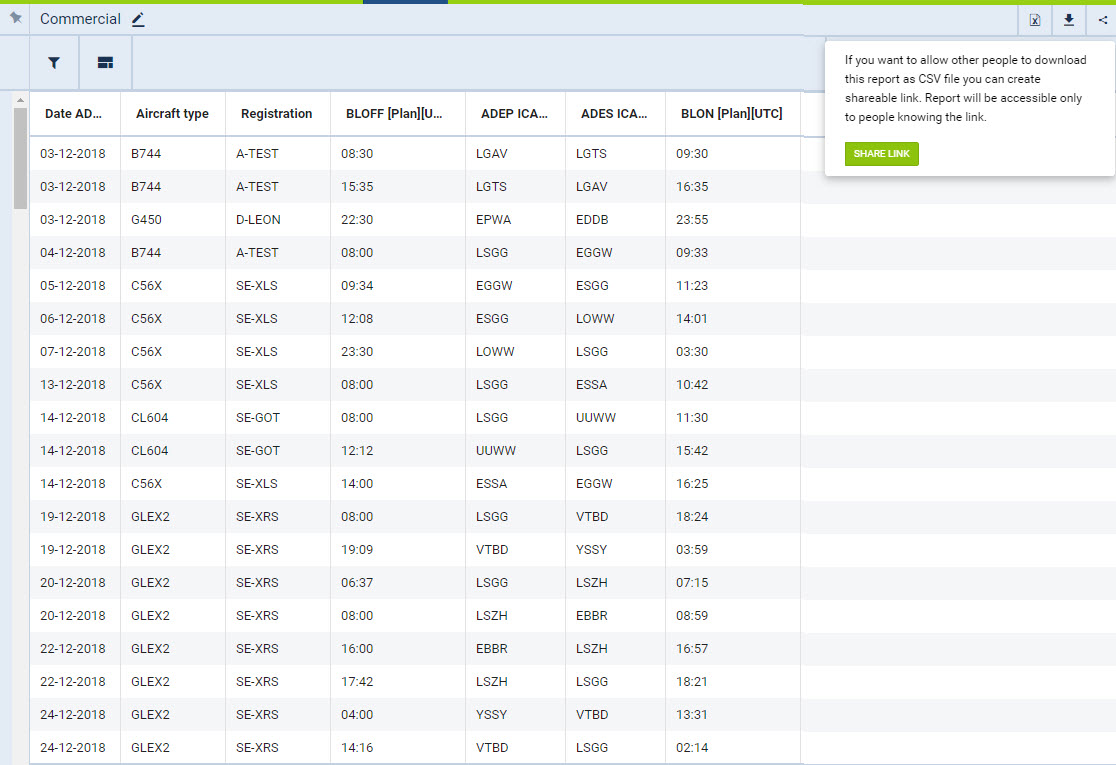

Sharing tool in Report Wizard

In the top-right corner of the report screen, under the sharing icon

share-icon.jpg

a URL link can be generated.


By clicking share-link.jpg and entering the short name of the report, Leon will generate a link, which - when inserted into the web address belt of the browser - will download the csv file with the content of the report.

The functionality is mainly aimed at Customers who wish to export data from Leon to various BI systems, including Google Data Studio and Qlik.