Flights colouring in Table
In a section Schedule > Table, tab SHOW of the left filter allows you to navigate with the flights colouring.
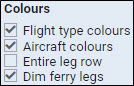
Open the filter and in a section Colours you can find 4 available checkboxes for the usage. Below are explained examples of different options of flights colouring when particular checkboxes are marked.
Flight type colours - a column ‘Flight No.’ shows different colours for different trip types: PAX, Ambulance, Cargo 

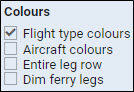

Flight type & Aircraft colours - shows colours for a column ‘Flight No.’ and a colour of an aircraft (defined in aircraft profile, section Fleet) in a column ‘ACFT’.
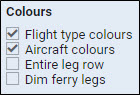

Aircraft colours & Entire leg row - shows an aircraft colour throughtout the entire row.
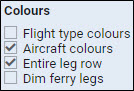

Flight type & Entire leg row - shows a flight type colour throughtout the entire row.
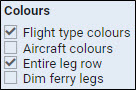

Flight type, Aircraft colours & Dim ferry legs - shows flight type colour dimmed and the aircraft colour.