Automatic flight tagging
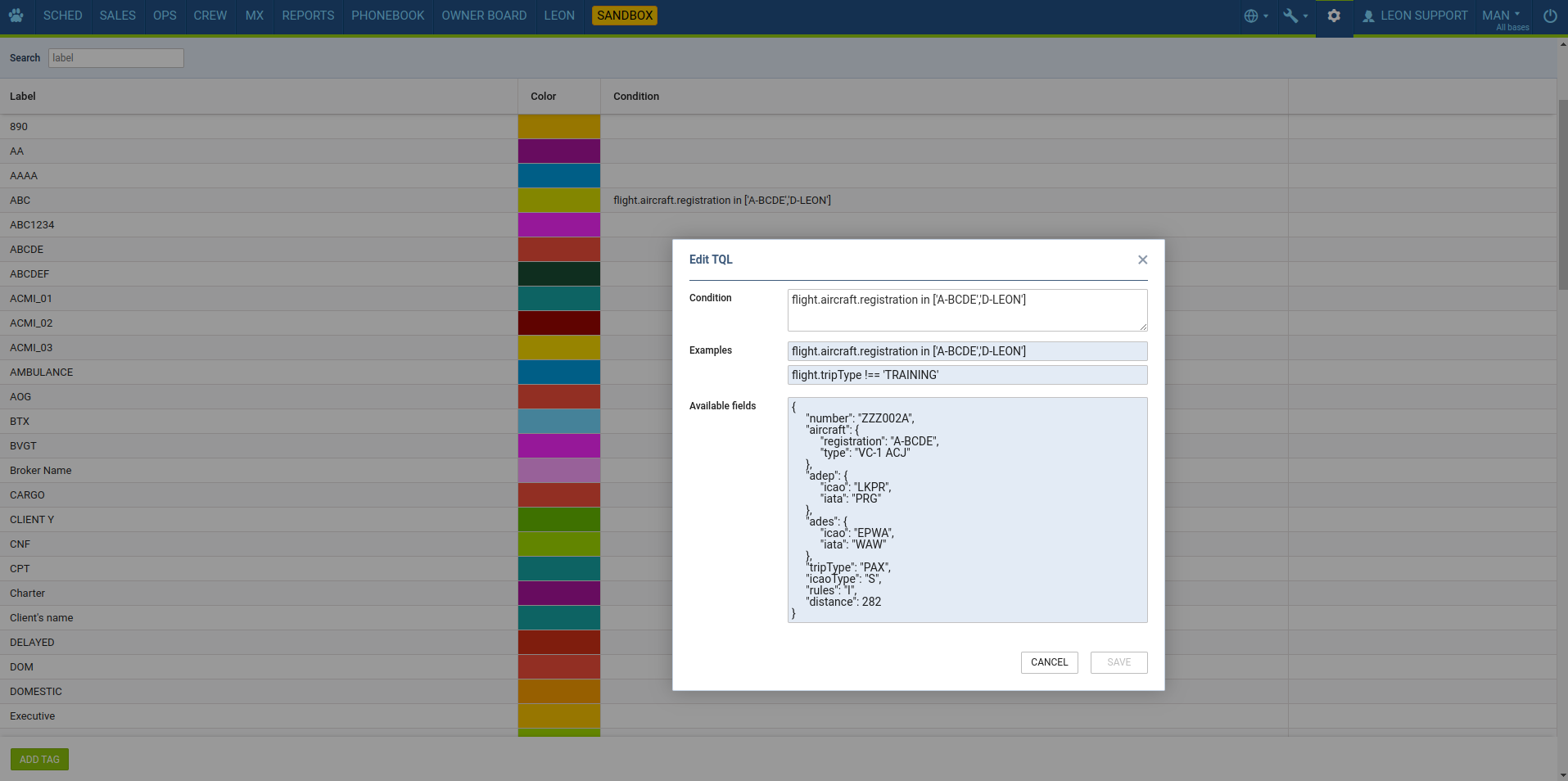
A new ‘Flight Tags’ section has been added to the settings, allowing you to configure flight tags. Except names and colours you can now define conditions under which a tag is automatically assigned to a flight.

Creating conditions
To create a condition, click on the row in the “Conditions” column. The condition can be based on the data listed in the “Available fields” section. Once the condition is saved, its details will appear in the general view within the tag configuration window.