

This report can be useful if you want to receive emails (twice a day) at certain time about all flight changes done each day.
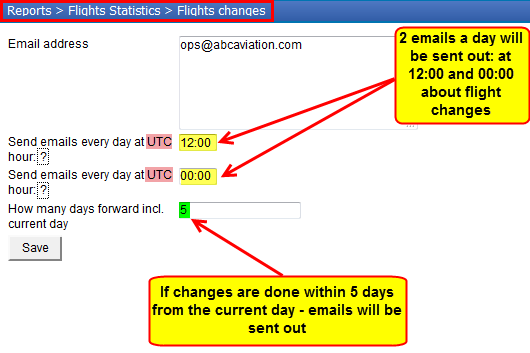
Go to the report $$Flights Changes$$ (Reports > Flights Statistics) and insert email address to which a file should be sent out along with other details (see below).
Below is an example of the email that Leon sends to the recipient with the attached Excel file with all new, changed or deleted flights.
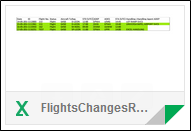
If you open it, there are different colours meaning different kind of changes:
-
green - a new flight/flights added.
-
white - no changes done.

-
orange - deleted flight or changed fields.
