In the past, when you added either positioning, training, or office duty (duties with the Unknown Attachment or the Unknown Attachment icon in the ‘Flights List’ section) - the number of items in the ‘Legs Info’ screen was the same as when adding a new flight. In other words, items were those defined in Admin > Operator Settings > Flight Editing section.

From now, the number of items for such duties is reduced to minimum by default. Please see examples below.
-
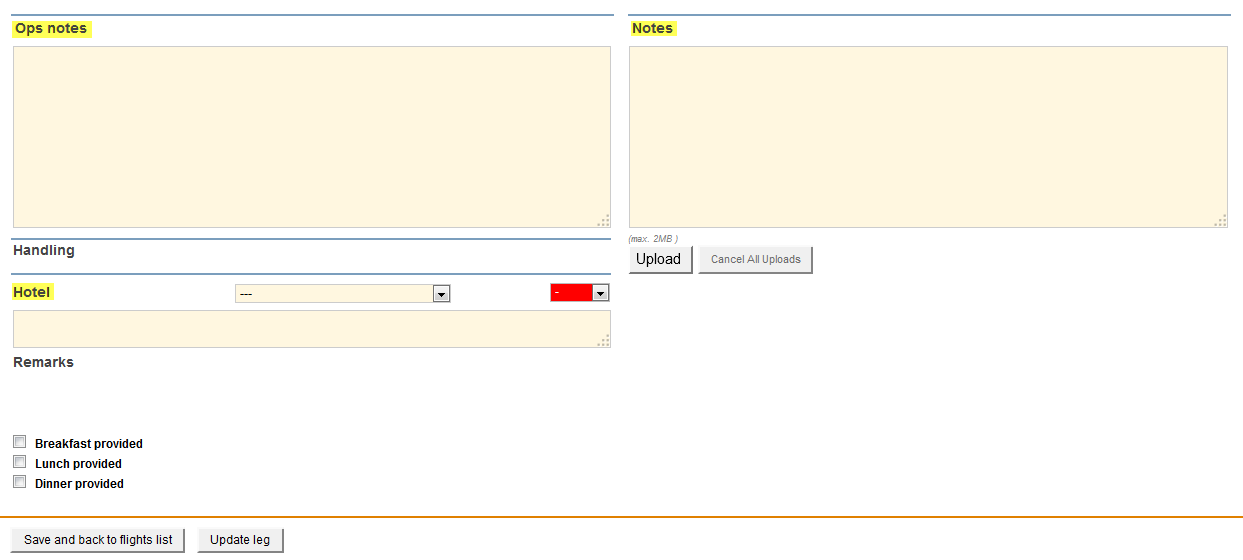
Unknown Attachment - available fields in ‘Legs Info’ screen are: hotel, ops notes, notes.
-
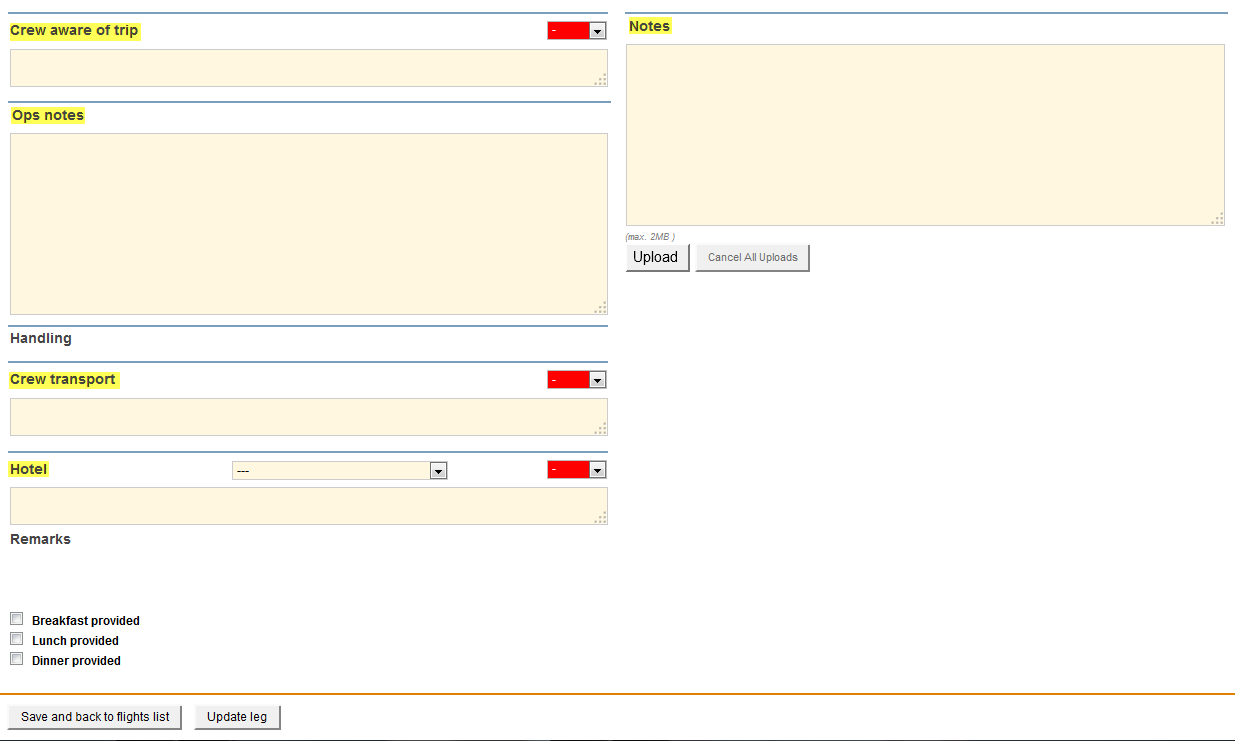
Unknown Attachment - available fields in ‘Legs Info’ screen are: crew aware of trip, crew transport, hotel, ops notes, notes.