Trip changes history
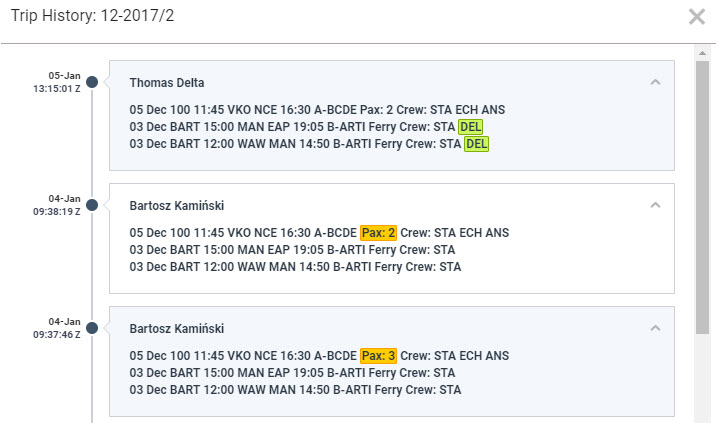
To check all changes done in the trip you need to right-click with the mouse over a selected flight and click a link 
In the changes history window Leon shows chronological list of all changes (the latest on top). The colours indication shows added data in green, changed data in yellow and removed data in red.
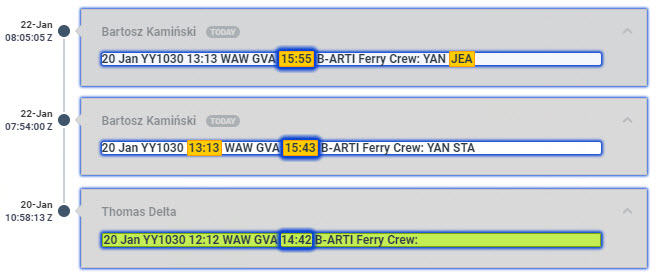
When you click on the changed detail, Leon highlights previous entrances of the same detail. On the screenshot below you can see highlighted STA 15:55, then also 15:43 (previous STA) and 14:42 (initial STA).