

GAR new option
Unknown Attachment
We have added two new fields to the GAR email edition screen: Visit reason and Visit address. Both can be filled in and will get displayed on the GAR sheet.
This option is available in both: SCHEDULE section and old version of Leon. The below description concerns SCHEDULE section.
When sending GAR emails from Leon - which can be done from the checklist - click a link Send GAR located right next to the GAR‘s status and a new pop-up window will open (see screenshot on the right). Here you can add details manually, or have them automatically displayed, if they have been previously pre-defined in a section Settings > Handling Requests (’From’ and ‘Cc’ email addresses as well as the GAR email content).
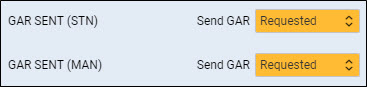
GAR items can be added to the checklist in a section Settings > Flight Editing (as default items) or by clicking Add Item button on top of the checklist tab.