

Permits requesting
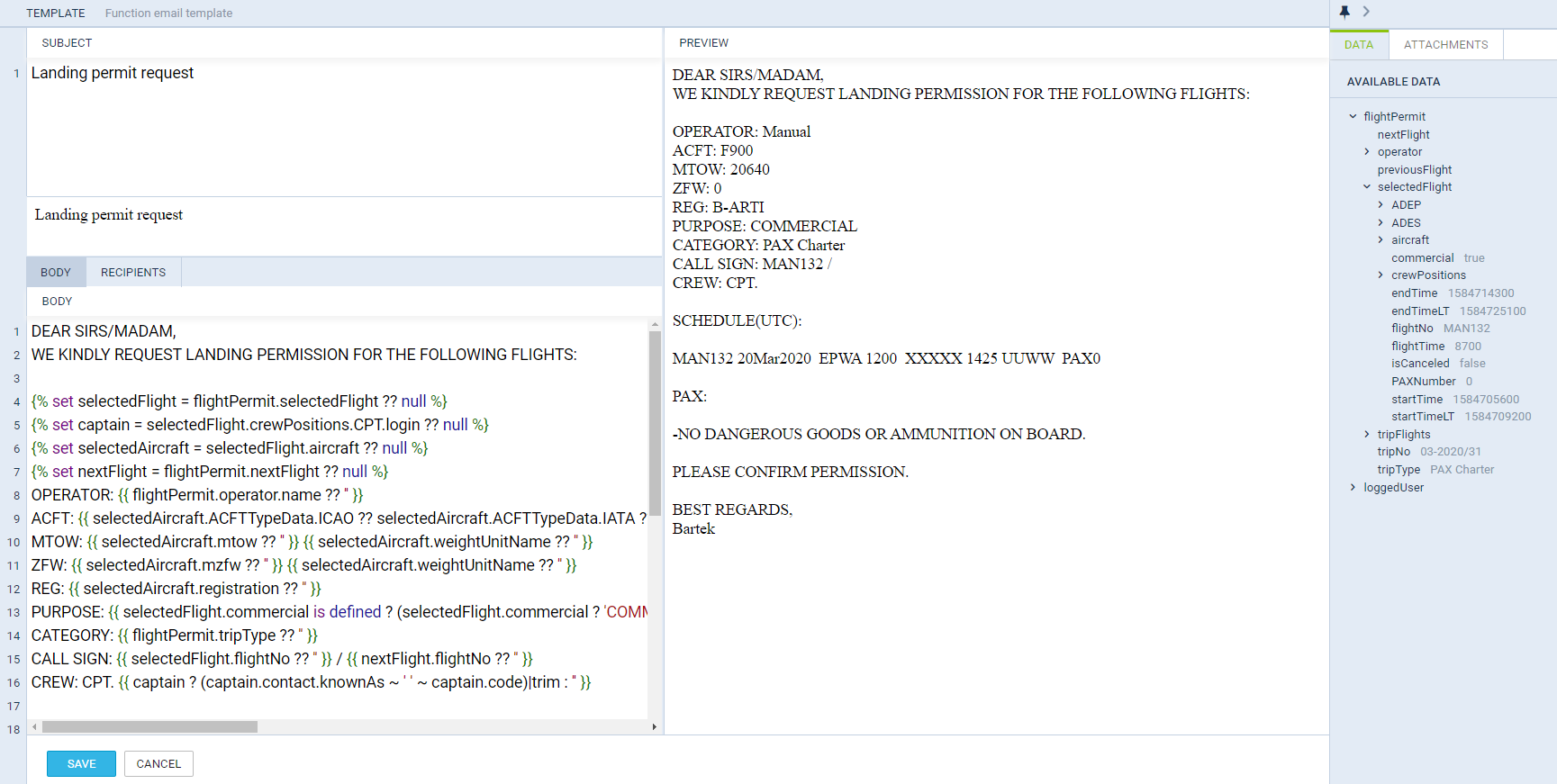
It is possible to request directly from Leon Landing permit and Overflight permit.
In order to make this work, follow these steps.
1. Defining email templates
In a section Settings > Email Templates click 
On the new page you can insert email Subject and below you can re-arrange the default Body, by using Available Data items from the right filter. Another tab Recipients allows to define default email addresses: From, Reply to, CC and BCC. Once it’s all set up you can use sending permits requests from the section OPS.
2. Adding permits details
Unknown Attachment
In the Checklist panel click button 
Once a new pop-up window got displayed (see screenshot on the right), fill it in with details, such as:
-
Country
-
Supplier
-
Number
-
Validity
-
Revalidation
-
Note
-
Status (select from the drop-down box)
You can also mark a checkbox ‘Short notice 72h’, if necessary. Clicking + button allows adding another permit’s details.
3. Requesting permits
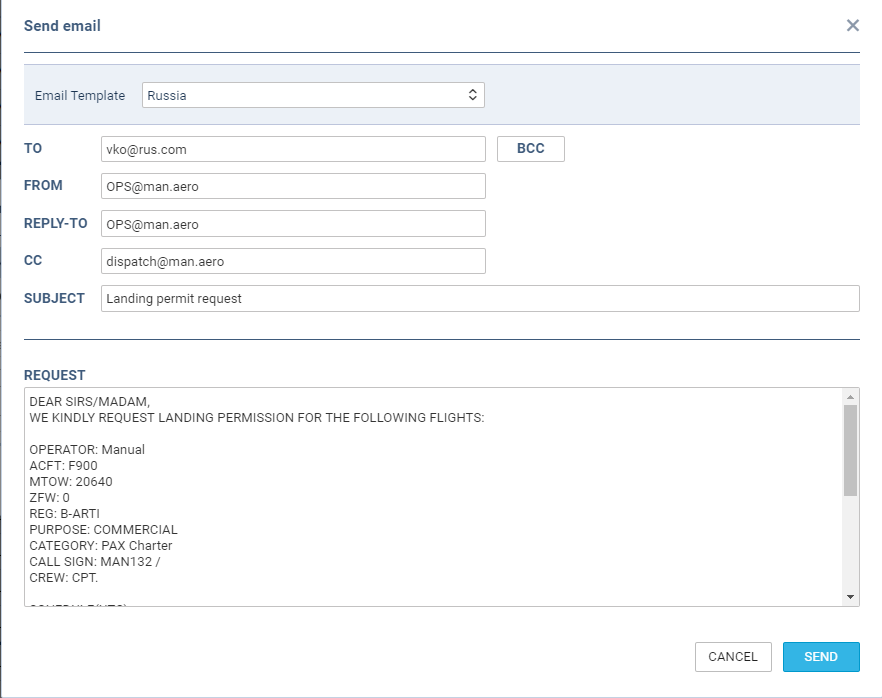
The last step is sending a permit email. Click a button 