Columns DAYS OFF/DAYS ON
It is now possible to manually select the start date of displaying values in columns Days Off & Days On.
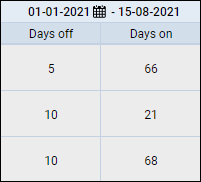
By default, Leon shows these values from the 1st of January of the current year. The end date is always the one selected in the main calendar (next to the refresh icon).
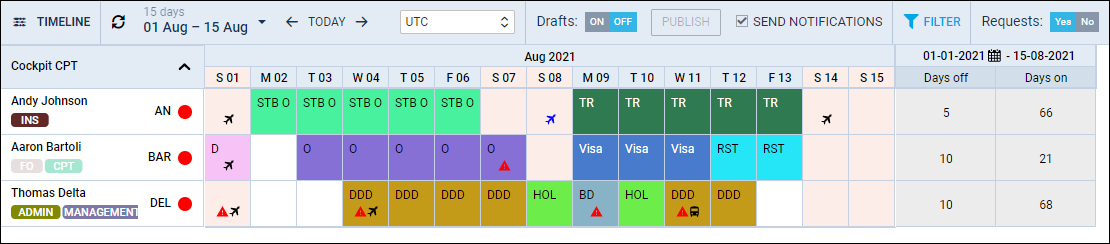
To change the start date click the 
The below screenshot shows a new start date changed from 01 JAN 2021 to 01 JUN 2021, hence values differ in comparison to the previous start date.
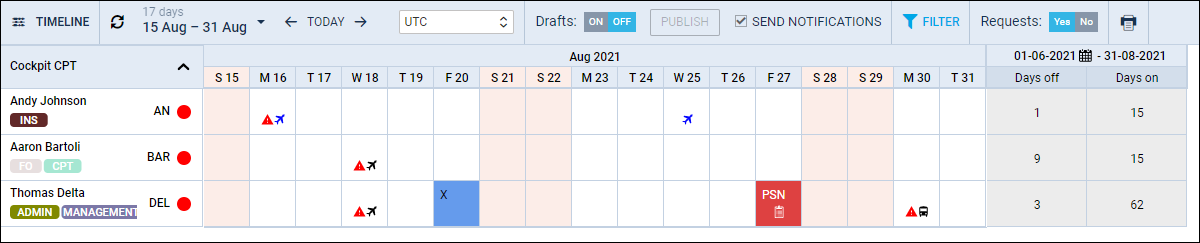
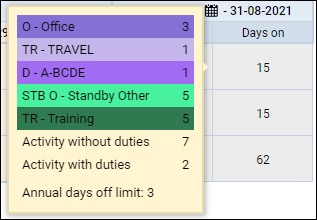
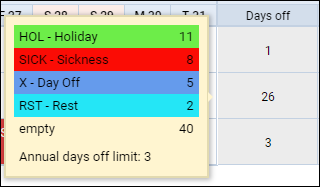
Hover the mouse over either ‘Days Off’ or ‘Days On’ value to check details: