

Roster publish window
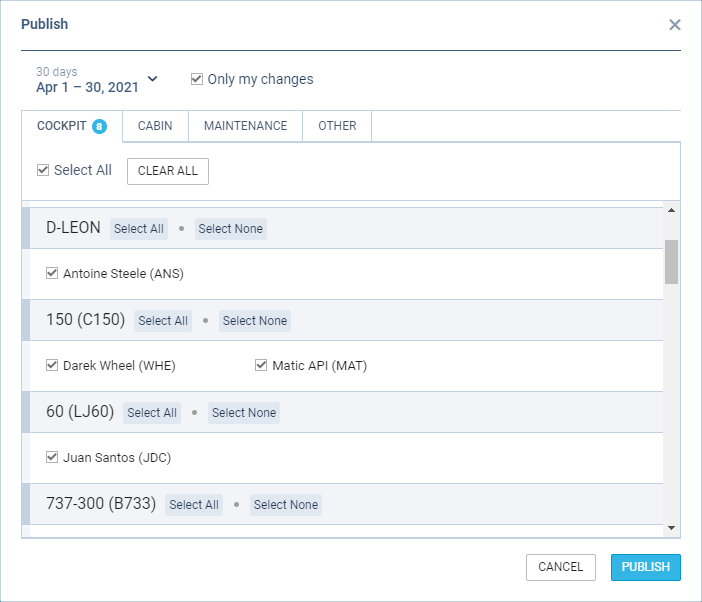
Roster publish duty window displays the crew in the following groups:
-
Aircraft registration - includes crew assigned to specific aircraft registration in the Settings > Fleet > CREW tab in the aircraft editing section
-
Aircraft type - located below aircraft registration sections and displays the crew that are not assigned to a specific registration
It is possible that one crew member will appear in different groups. In such a case, checking the crew in one group will check this crew member in all the other groups the crew belongs to.
‘Select All/Select None’ options located by the aircraft registration/type will check/uncheck all the crew within the group.