

OPS and Sales emails for Bases

It is now possible to set up the ‘OPS emails’ and ‘Sales emails’ for Bases in the ‘General Settings’ section.
Once emails for bases are inserted, they can be selected as the ‘Reply to’ emails in the ‘Email Templates’ > ‘Recipients’ tab.
EXAMPLE
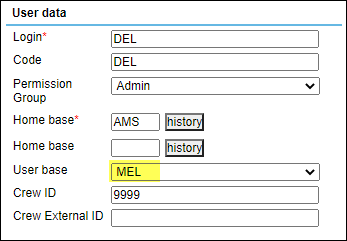
User is assigned to MEL user base in the profile (full edit profile, ‘Basic’ tab).
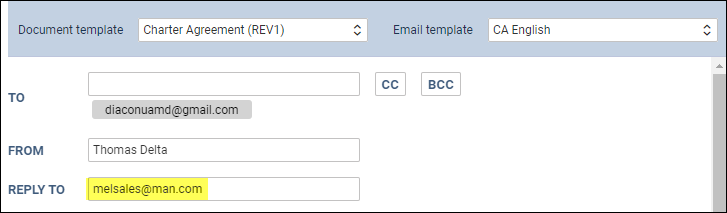
Based on the ‘User base’, the assigned ‘OPS email’ is melops@man.com and the ‘Sales email’ is melsales@man.com.
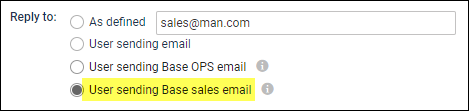
In the ‘Email Templates’ section > ‘Recipients’ tab of any template, the relevant ‘Reply to’ option can be selected. Below, Base sales email option selected on the ‘Charter Agreement’ template:
Once this template is used, the relevant base email will apply to the ‘Reply to’ field. Below, ‘Sales email’ assigned to MEL base:
The abovementioned functionality can apply to any email template in Leon. In the case of the OPS emails, the ‘Reply to’ email will appear in the ‘From’ field.