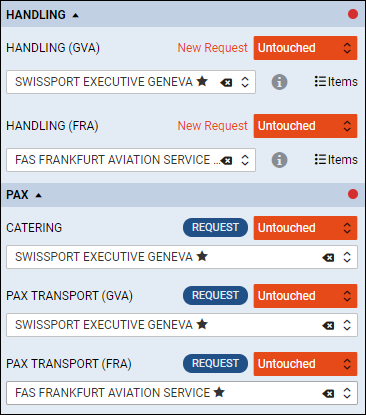
SELECT SUPPLIERS via Handler
Leon allows to select suppliers via handler in the ‘OPS’ panel. In order to use this functionality, follow these steps:
1. Right-click on the flight and choose SELECT SUPPLIERS option.
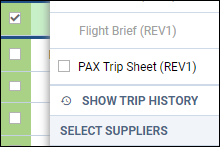
2. When the window shows, click the button 

3. Once it‘s saved, ’OPS’ checklist will automatically show items to which the option ‘VIA HANDLER’ was used with suppliers selected as handlers.