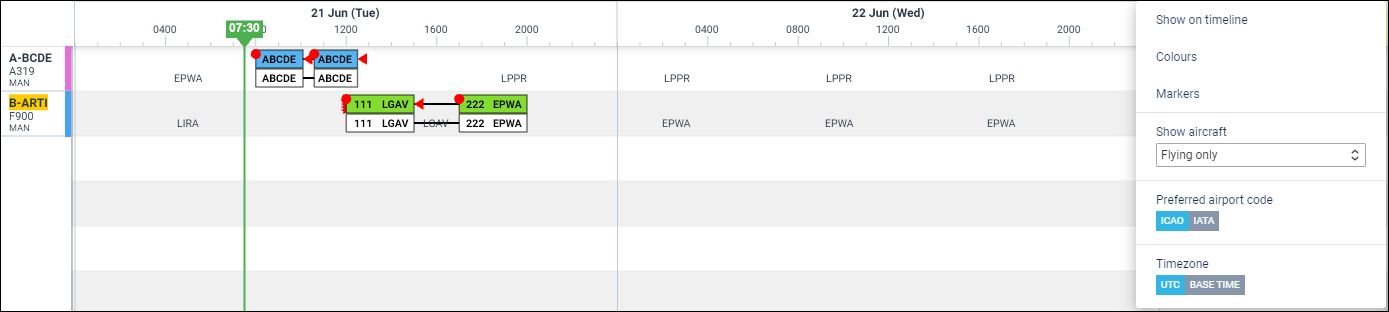
Showing aircraft activities modification
We have modified showing aircraft activities in the OPS TIMELINE panel, by upgrading the 3-dot filter.
The 3-dot filter‘s option ’Show active aircraft only’, where it was only possible to select YES or NO, has been changed into Show aircraft with 3 selections.
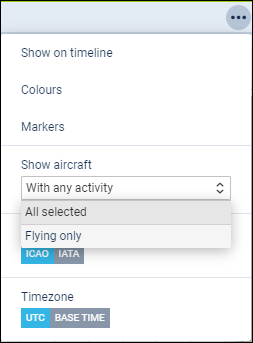
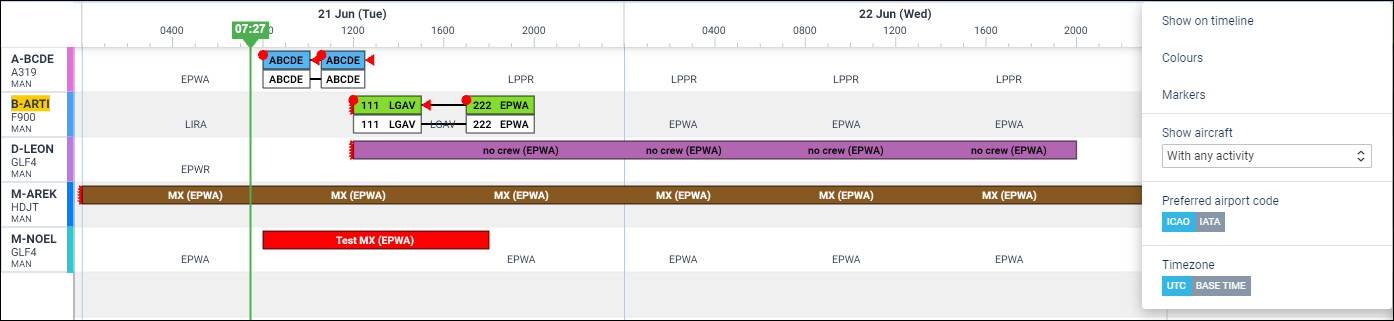
1. With any activity - showing tails with added flights, reservations or scheduled maintenance.
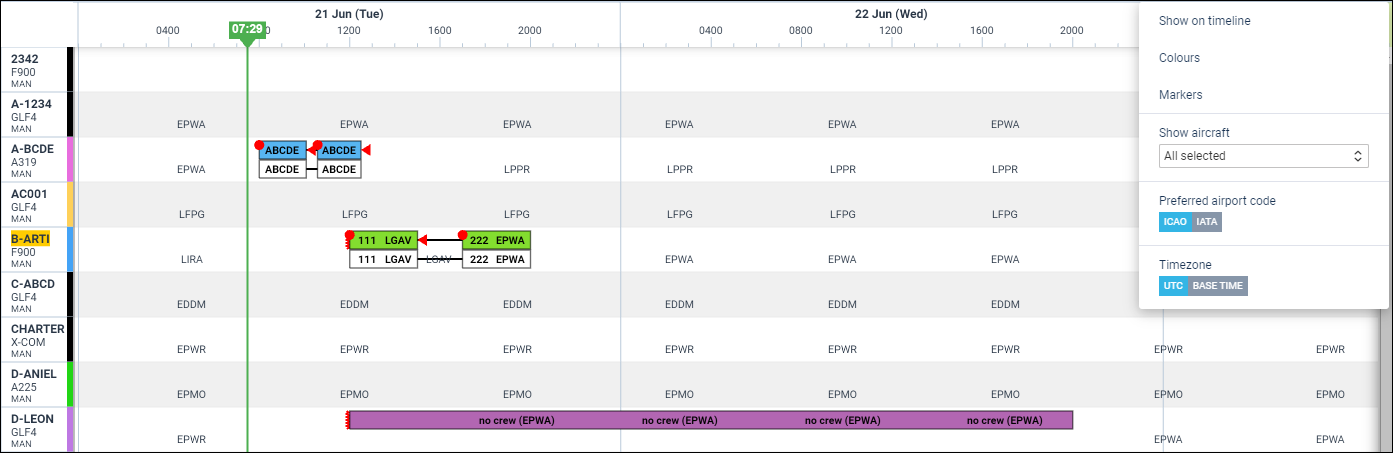
2. All selected - showing all tails, including those without any activity assigned.
3. Flying only - showing tails with flights added only (excluding reservations or scheduled maintenance).