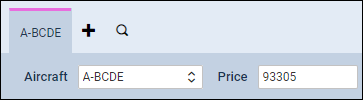
FIND AIRCRAFT functionality
A new functionality FIND AIRCRAFT has been added to a REQUESTS/QUOTES section, to make working with quotes even quicker & smoother.
When adding a new quote, once requester has been inserted and the aircraft minimum category chosen, if the tail has not been selected, Leon will show a new icon 
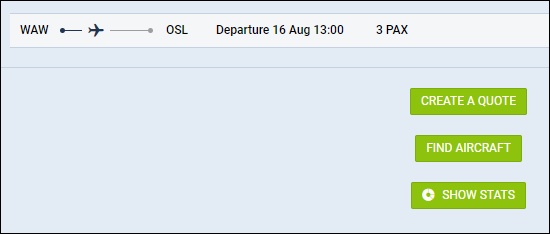
Click ‘FIND AIRCRAFT’ icon and a new window will pop-up, showing available tails, based on the chosen aircraft category.
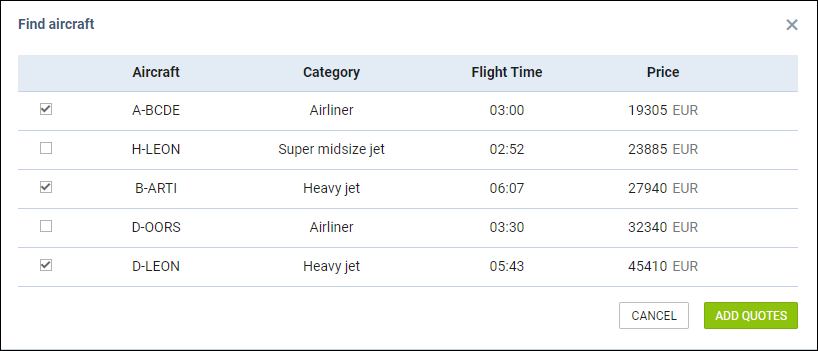
Once the tail/tails are selected, click the button ADD QUOTES and Leon will add quotes to all selected aircraft. The prices will show from the lowest to the highest, based on the previously defined aircraft & airport fees.
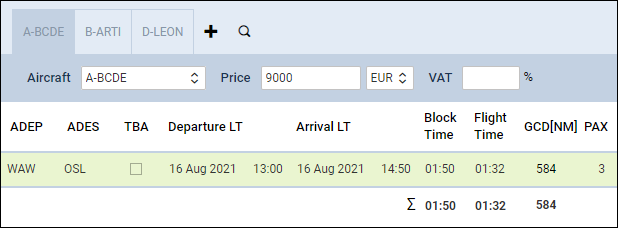
If a tail has been selected when adding a new quote, Leon will show an icon