

Manually download request from Avinode
It is possible to download missing requests from Avinode manually.
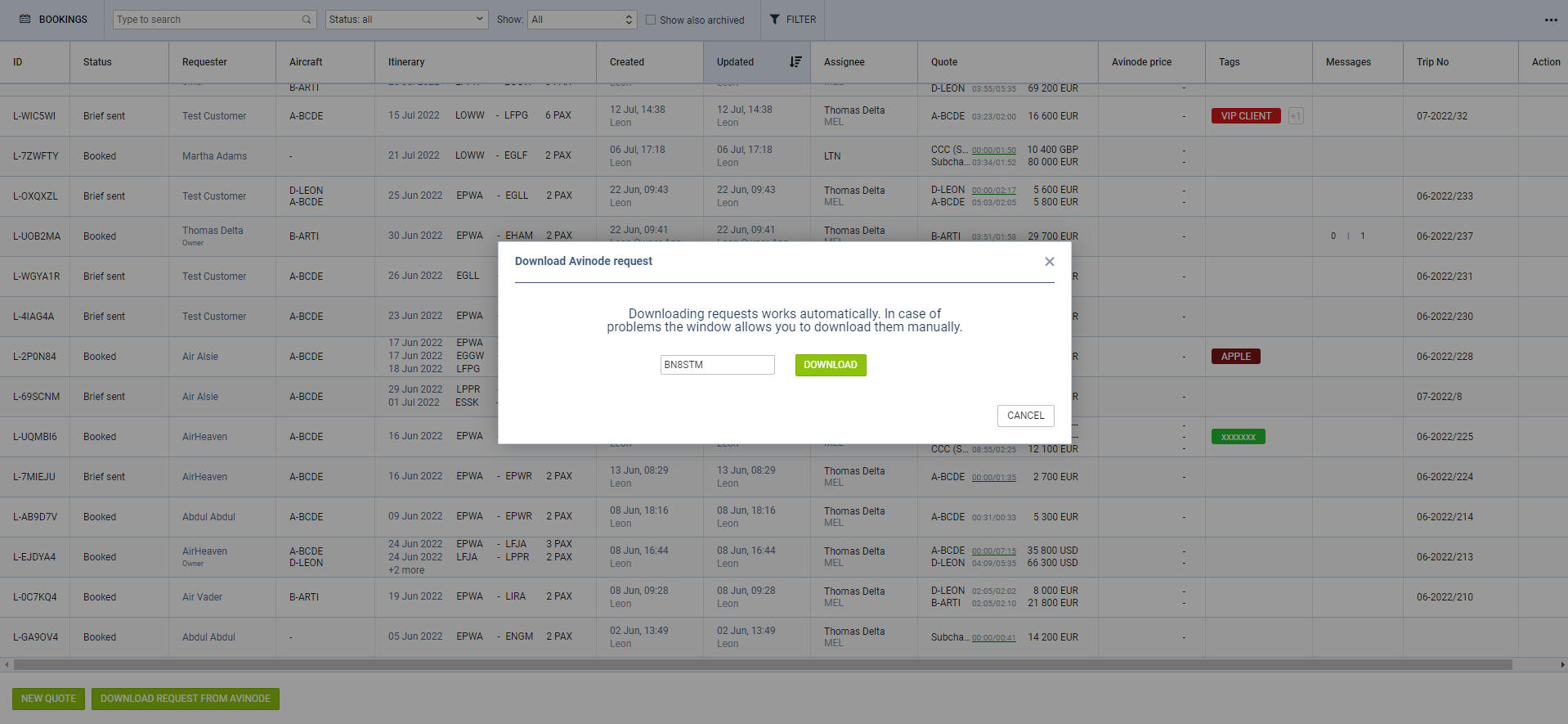
The process is as follows:
-
Click on the

-
Insert the missing Avinode ID number in the ‘Download Avinode request’ pop-up window
-
Click the ‘DOWNLOAD’ button to download the request
-
The missing request should appear on the main list
If the request already exists in Leon, the download will update the existing request.