

‘One Way or Multi Leg’ and ‘Round Trip’ options
Table of Contents
It is possible to select one of the following options when creating a quote:
-
‘One Way or Multi Leg’
-
‘Round Trip’
‘One Way or Multi Leg’
This method works in exactly the same way as the method of adding a new itinerary, prior to this update.
The ‘Multi Leg’ part is simply adding the following legs by using + in the itinerary in the ‘Add new quote request’ window.
‘Round Trip’
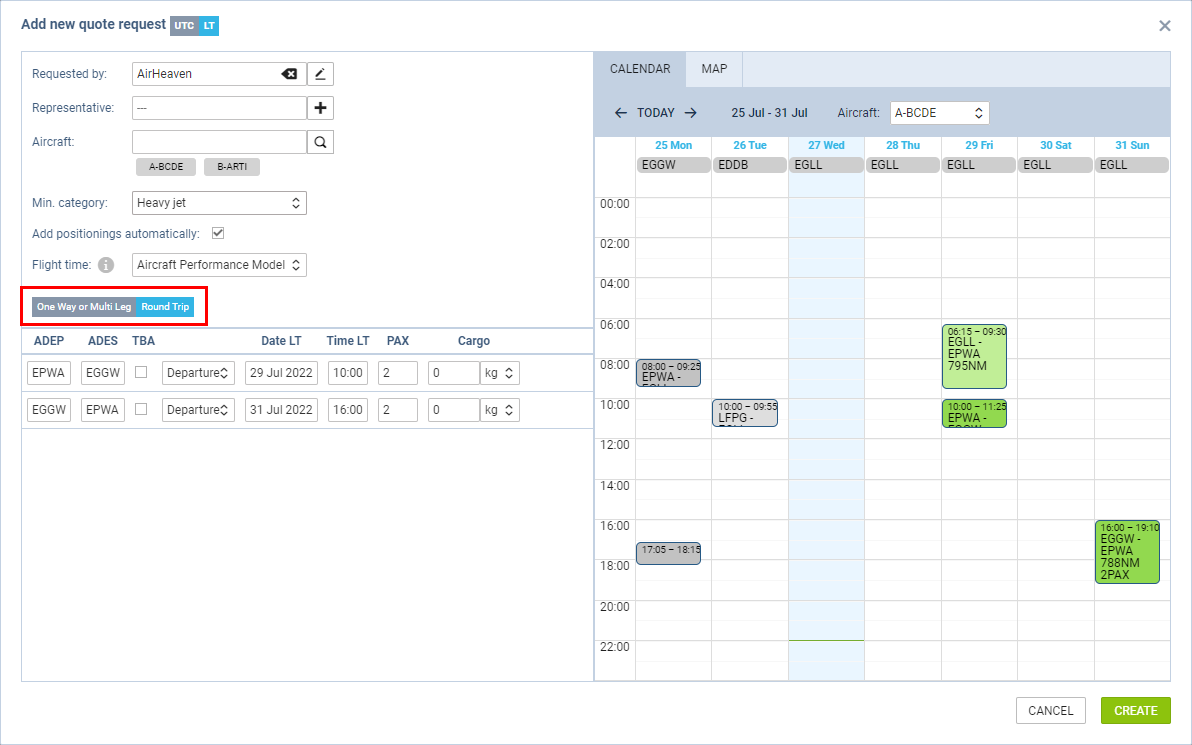
‘Round Trip’ is the new option that allows adding round trips easier.
The main characteristics of this option are:
-
the itinerary table always contains 2 rows
-
there is no possibility to remove or add any extra rows
-
ADEP and ADES of the second leg are always filled in based on the airports in the first leg
-
update of ADEP modifies ADES in the opposite flight, and vice-versa
-
PAX numbers and Cargo values are synchronised in both legs
-
once the request is added, any further modifications of the itinerary are excluded from the abovementioned mechanics