SENDING OPS DOCUMENTS TO AN AIRCRAFT EMAIL
It is now possible to send the OPS documents to an Aircraft email.
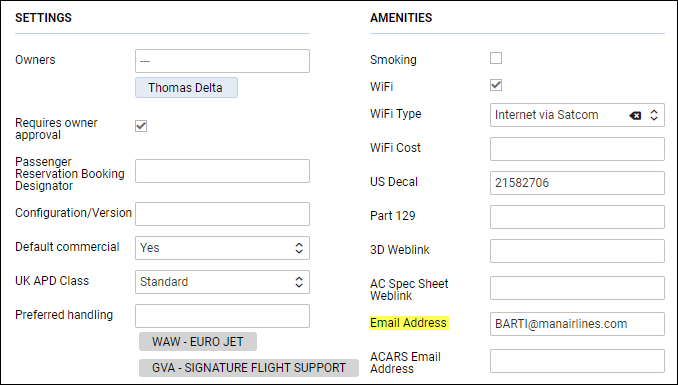
The 1st step is inserting an aircraft email address in its profile (section ‘Settings’ > ‘Fleet’) - enter a tab ‘SALES’ and add the email adrress into the field Email Address.
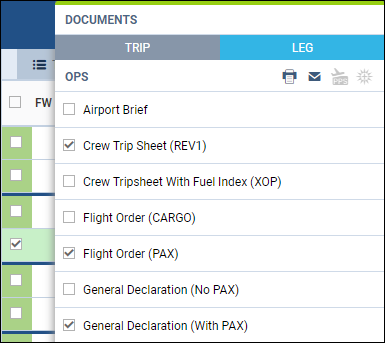
Right-click with the mouse over the flight, select OPS document/documents which should be sent out and click the icon 
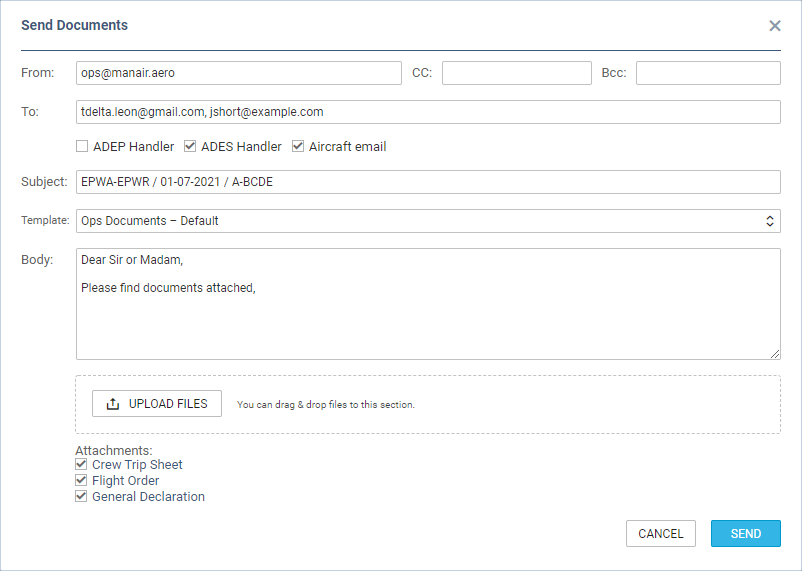
Aircraft email checkbox is available next to ‘ADEP/ADES Handler’ email checkboxes in the ‘Send Documents’ pop-up window (see screenshot on the right). The ‘Aircraft email’ is a BCC-type email.
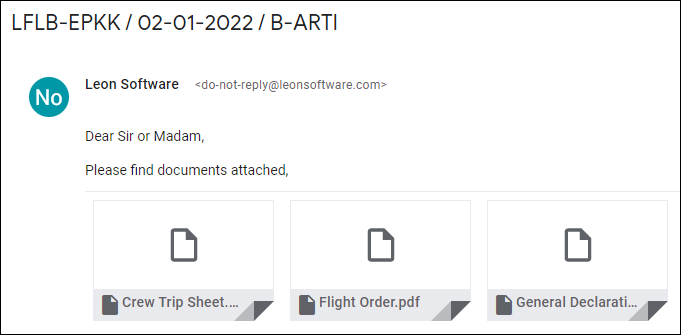
Once documents are sent out, an email arrives with attached docmuents.